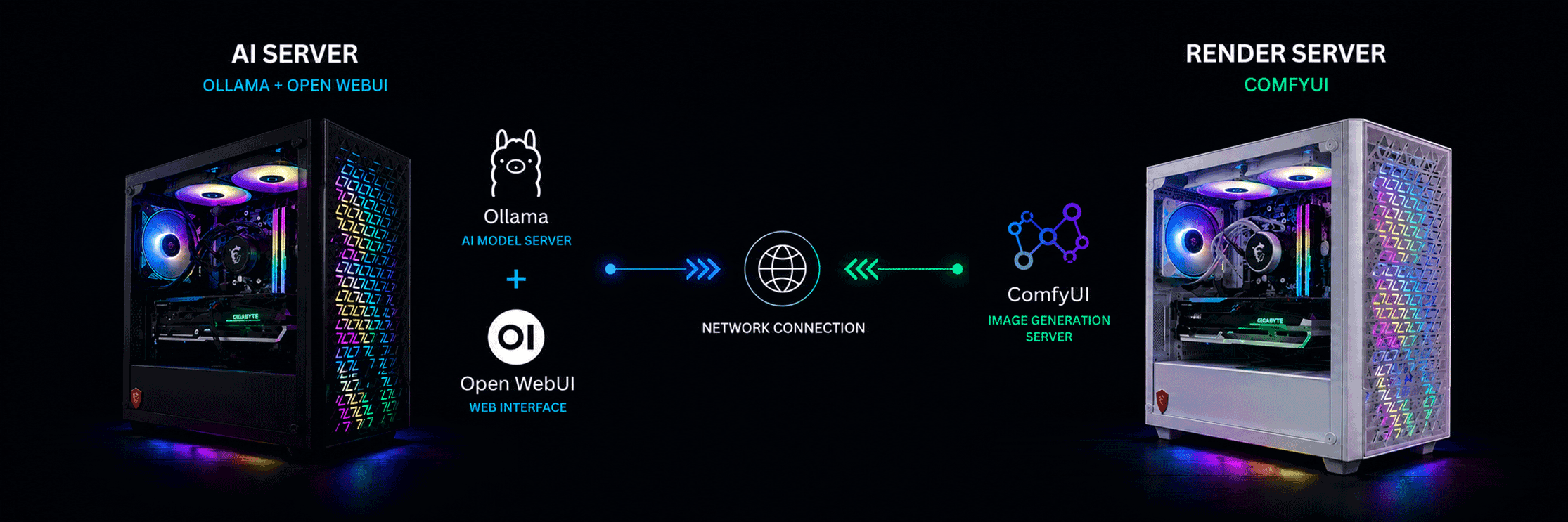

Rather than relying exclusively on cloud-based AI services, I maintain a self-hosted AI environment that allows me to evaluate models, compare performance, and build practical workflows for writing, research, automation, and image generation.
The goal isn’t simply to “run AI” it’s to understand how different models, hardware, and interfaces work together to create reliable solutions.
Current AI Stack
LLM Server
- Ollama
- Open WebUI
- Ryzen 7 5800X
- 64 GB RAM
- RTX 3060 12 GB
Models
- Qwen 3:14B
- Llama 3.1:8B
- Gemma 3:12B
- DeepSeek-R1:14B
Image Generation
- ComfyUI
- RTX 5060 Ti 16 GB
- Dedicated rendering server
Research
- SearXNG metasearch integration
Why I Built It
Building a local AI environment has allowed me to create a private, cost-effective platform for AI-assisted work while maintaining full control over my data and workflows. It supports content creation, video production, graphic design, web development, programming, documentation, and business automation without relying on cloud-based AI services.
It serves as an ongoing AI workstation where I evaluate new open-source models, optimize workflows, and integrate tools such as large language models and image generation into practical solutions for business, marketing, and software development.
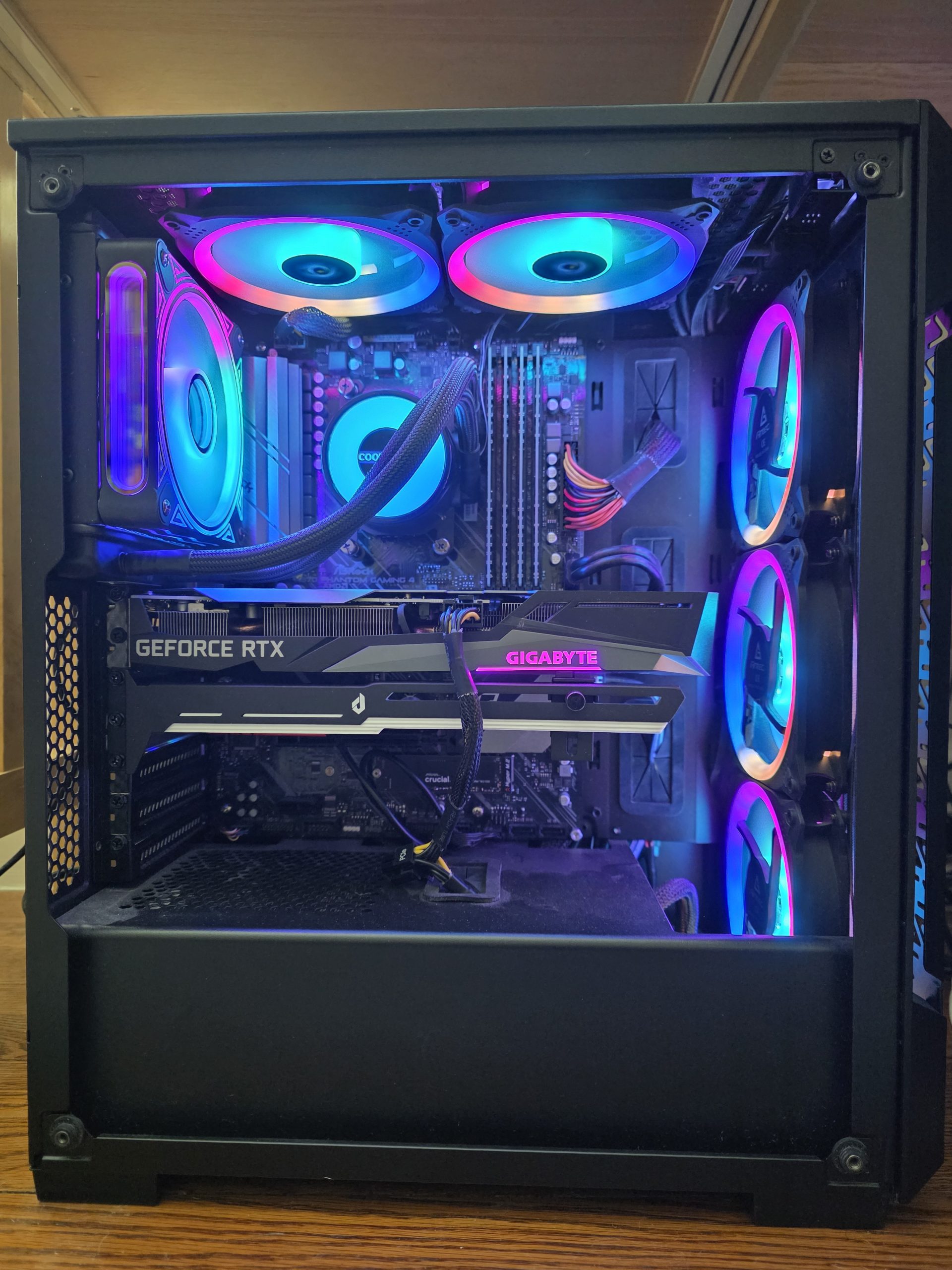
Local LLM Server
Hardware
- AMD Ryzen 7 5800X
- 64 GB DDR4 RAM
- NVIDIA RTX 3060 12 GB
Software
- Ollama
- Open WebUI (Docker)
This system serves as my primary local inference server. Ollama provides the language model backend, while Open WebUI is deployed in a Docker container, making updates, maintenance, and configuration straightforward while keeping the environment isolated and portable.
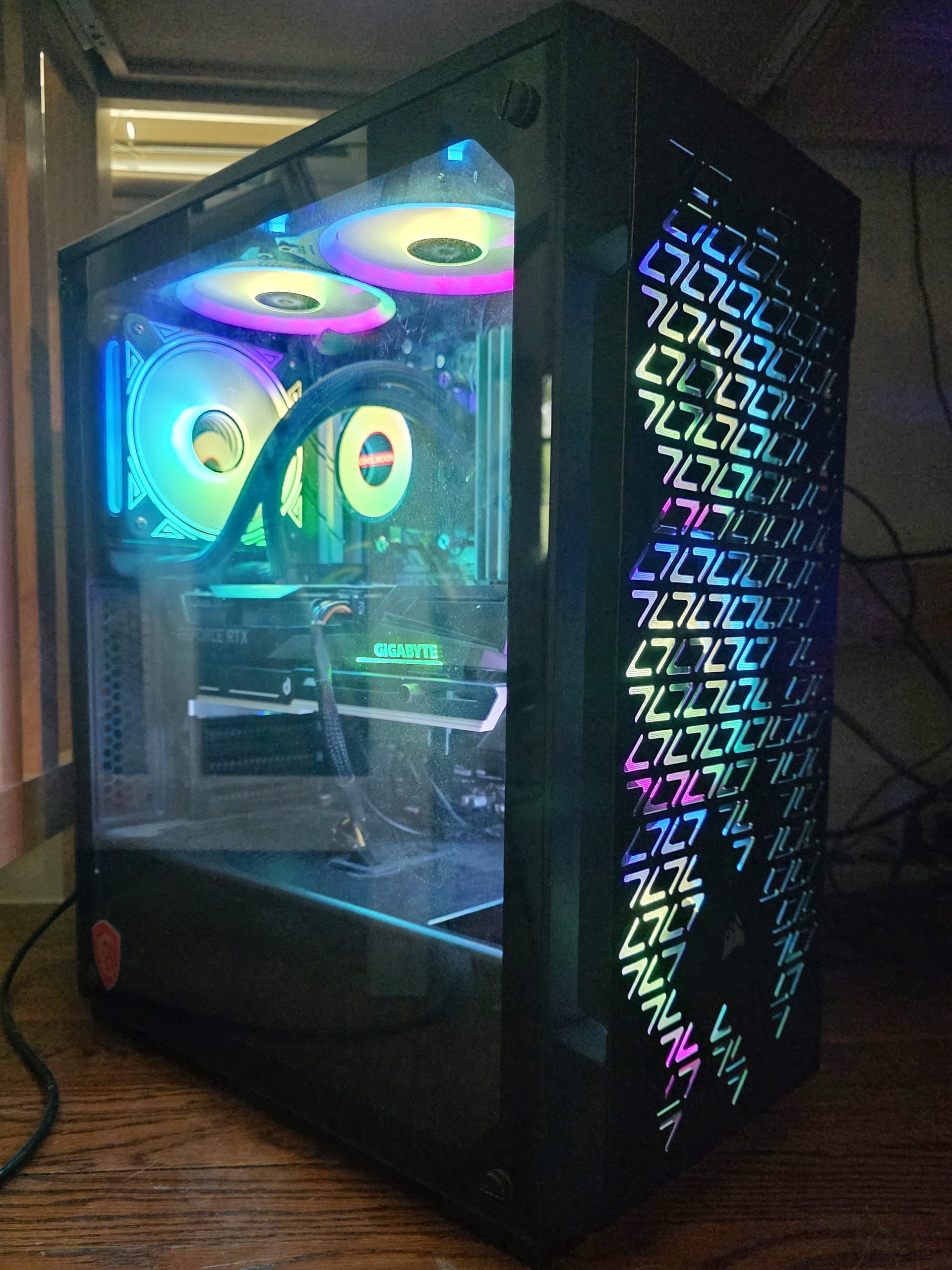
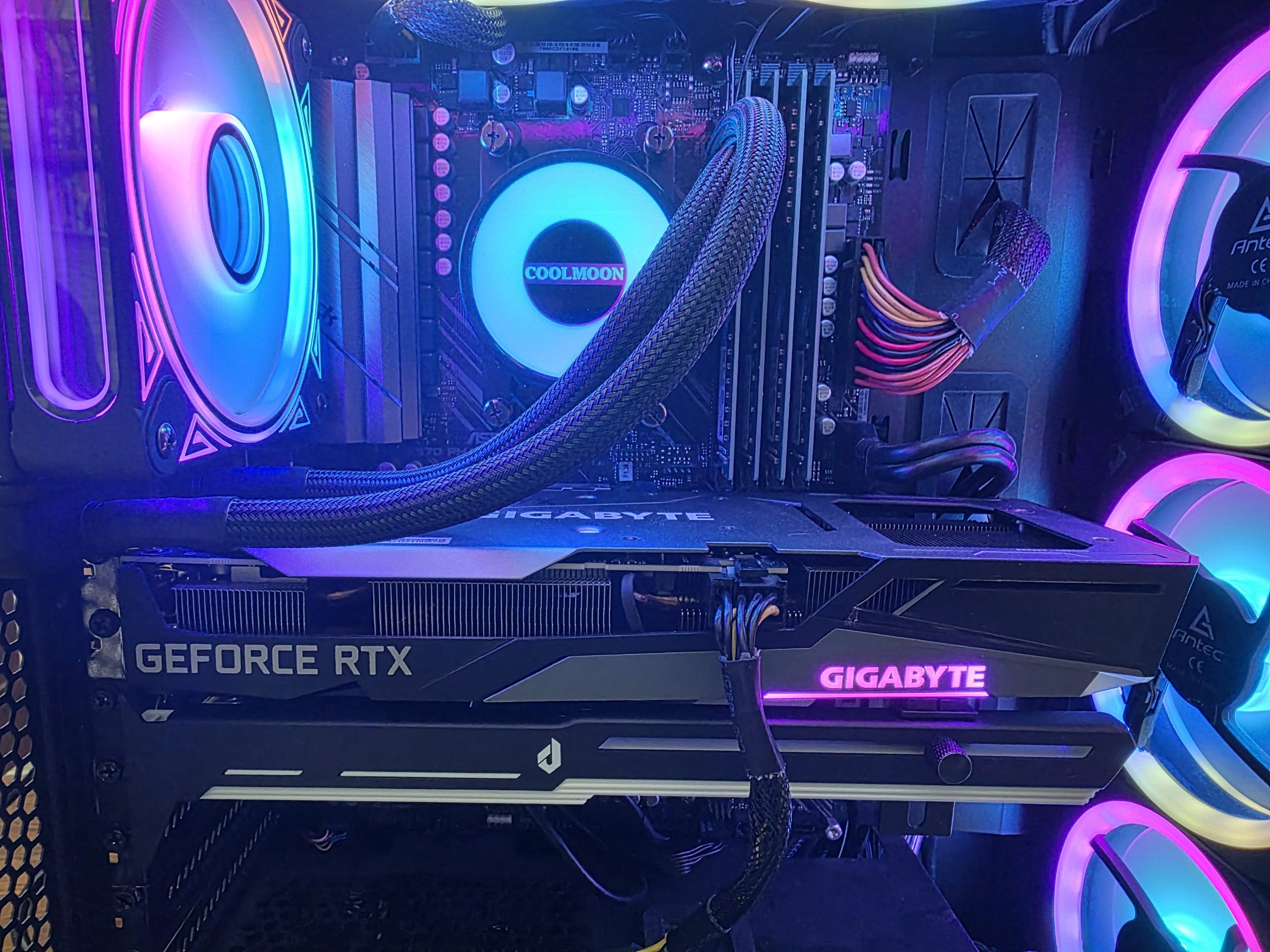
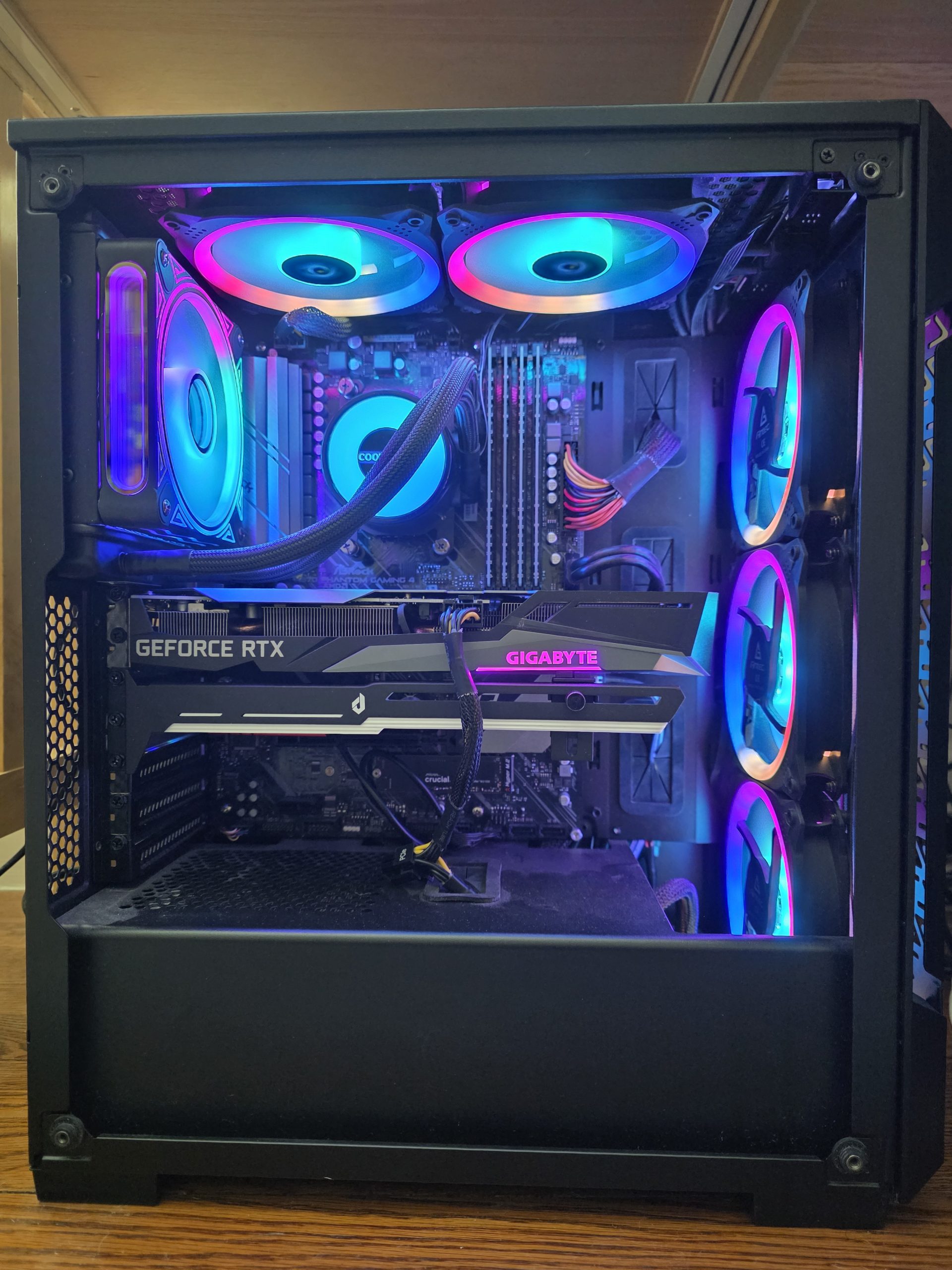
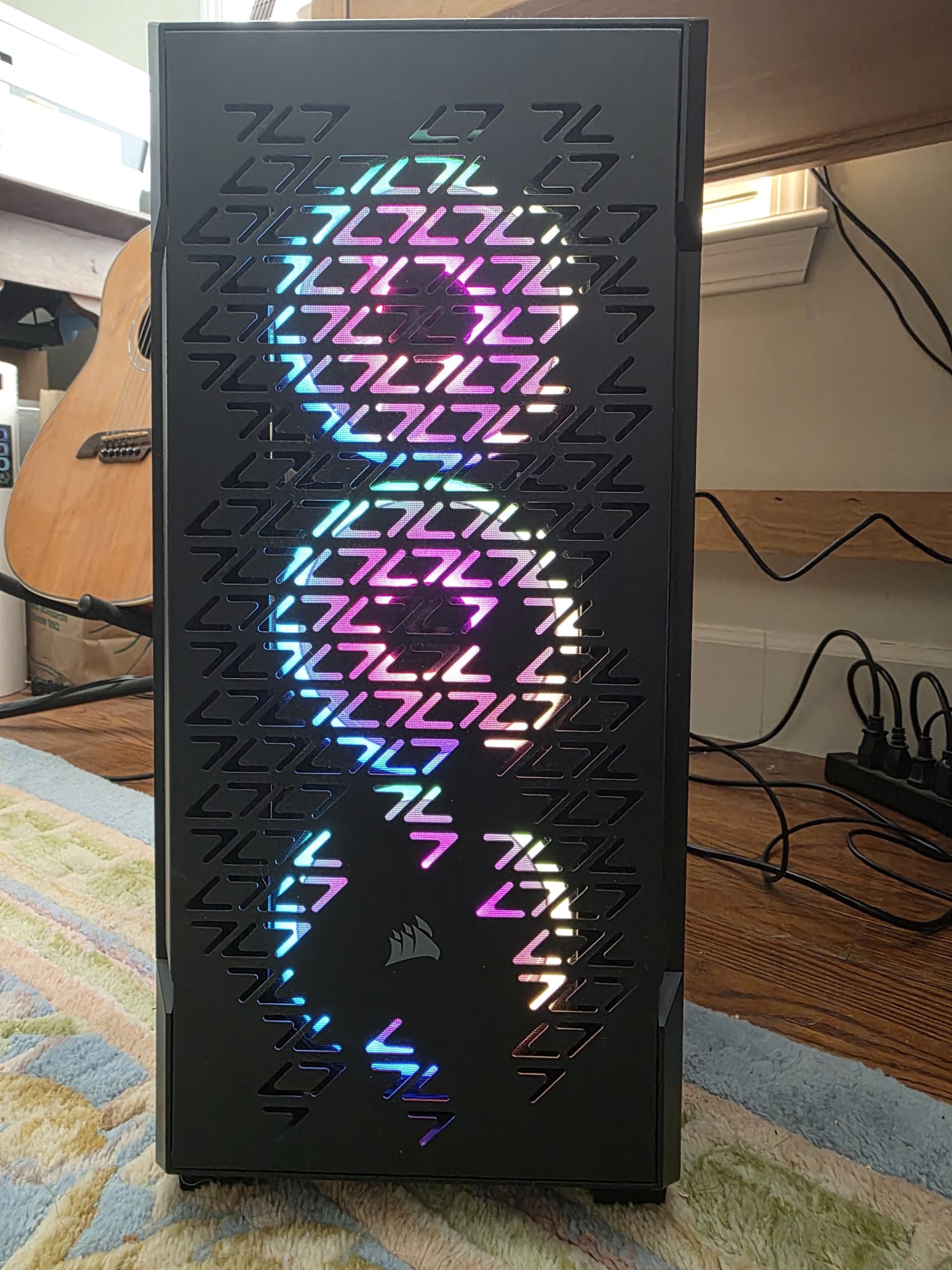
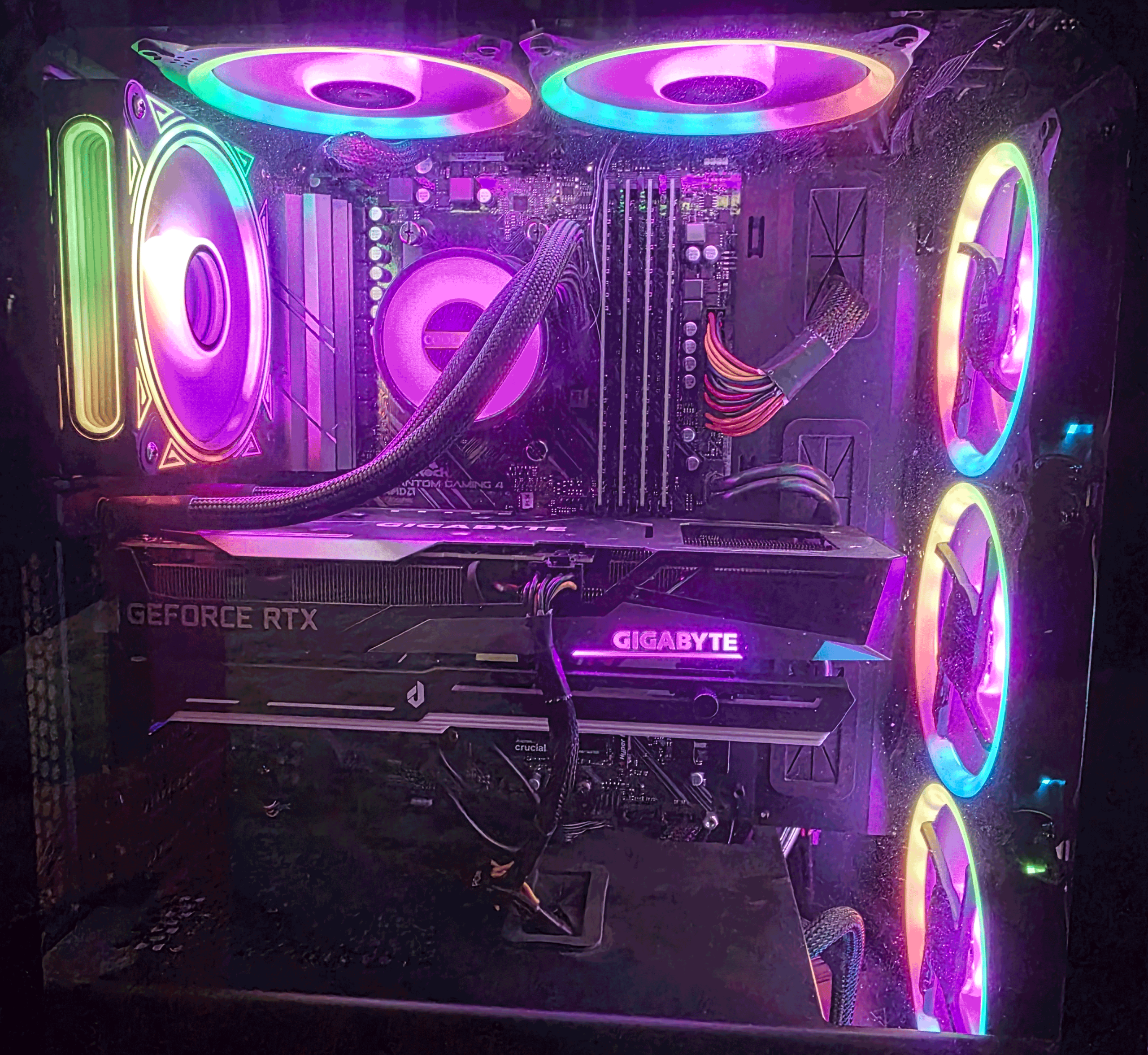
Running models locally provides complete privacy, low latency, and the flexibility to experiment without API costs.
Why Ollama?
- Simple model management
- Fast local deployment
- Easy model updates
- Native GPU acceleration
- Excellent integration with Open WebUI and developer tools
Why Open WebUI?
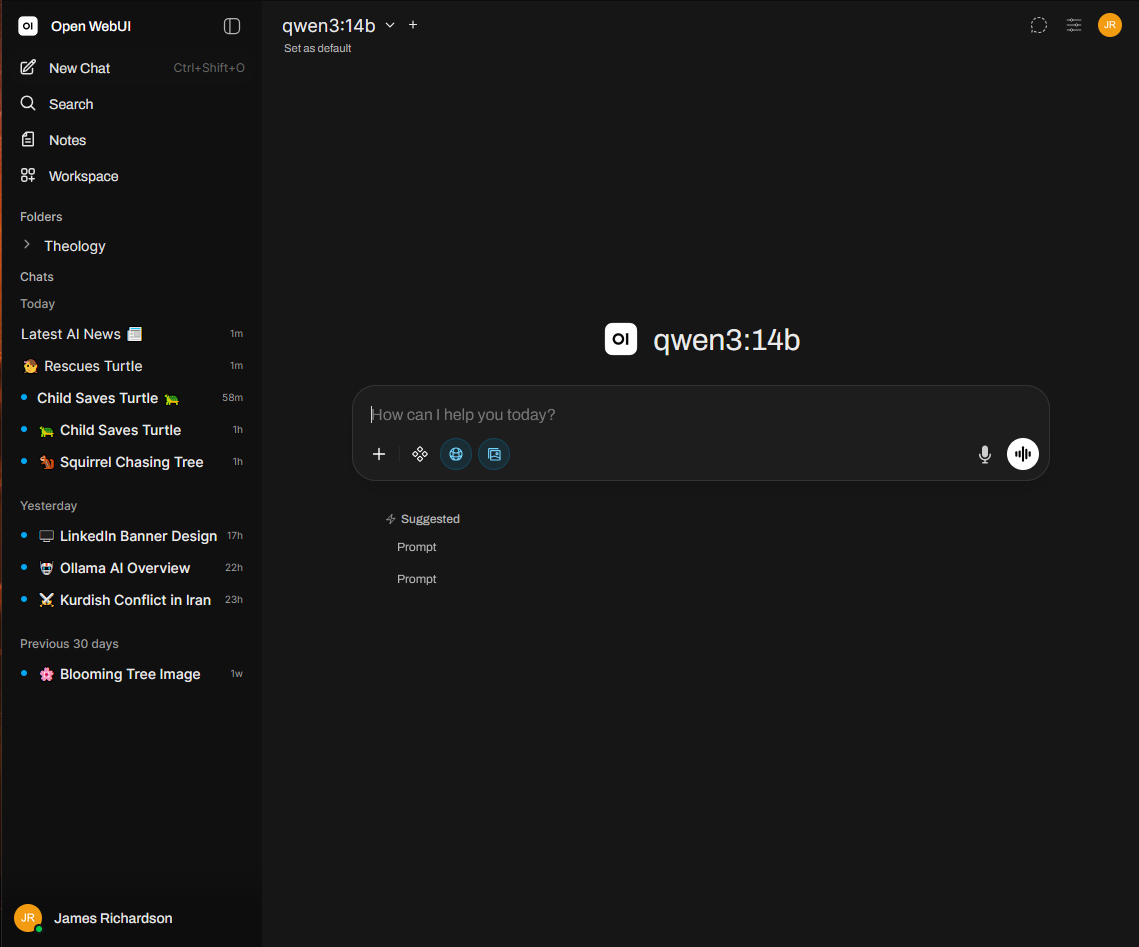
Open WebUI provides a polished web interface for interacting with local language models. Running it inside Docker (as of this writing v29.4.1) makes deployment reproducible and simplifies upgrades and backups.
Features I regularly use include:
- API compatibility for integrations
- Multiple chat sessions
- Model switching
- Conversation history
- Document uploads
- Markdown rendering
- Parameter tuning
Language Models
Rather than depending on a single model, I compare several specialized models based on the task.
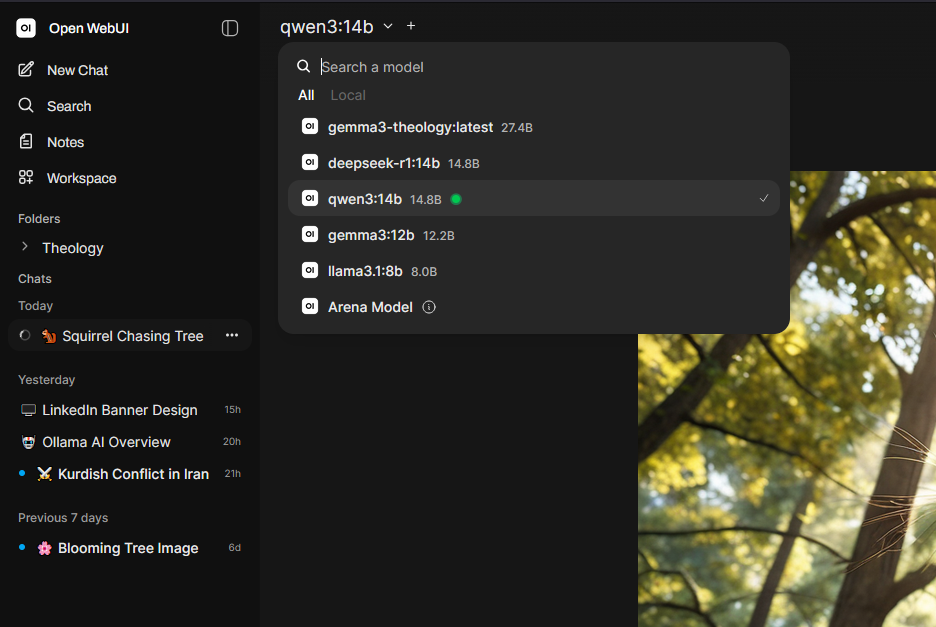
Qwen 3:14B
My primary general-purpose model.
Best suited for:
- Technical writing
- Programming assistance
- Research
- Business documentation
- Reasoning tasks
Llama 3.1:8B
A fast, lightweight model that performs well for everyday work.
Common uses:
- Brainstorming
- Quick questions
- Draft generation
- General productivity
Gemma 3:12B
Useful for experimentation and comparing responses against other models.
I often use it to:
- Validate AI outputs
- Compare writing styles
- Test prompt variations
DeepSeek-R1:14B
Reserved primarily for reasoning-intensive work.
Ideal for:
- Multi-step analysis
- Logic problems
- Technical troubleshooting
- Structured problem solving
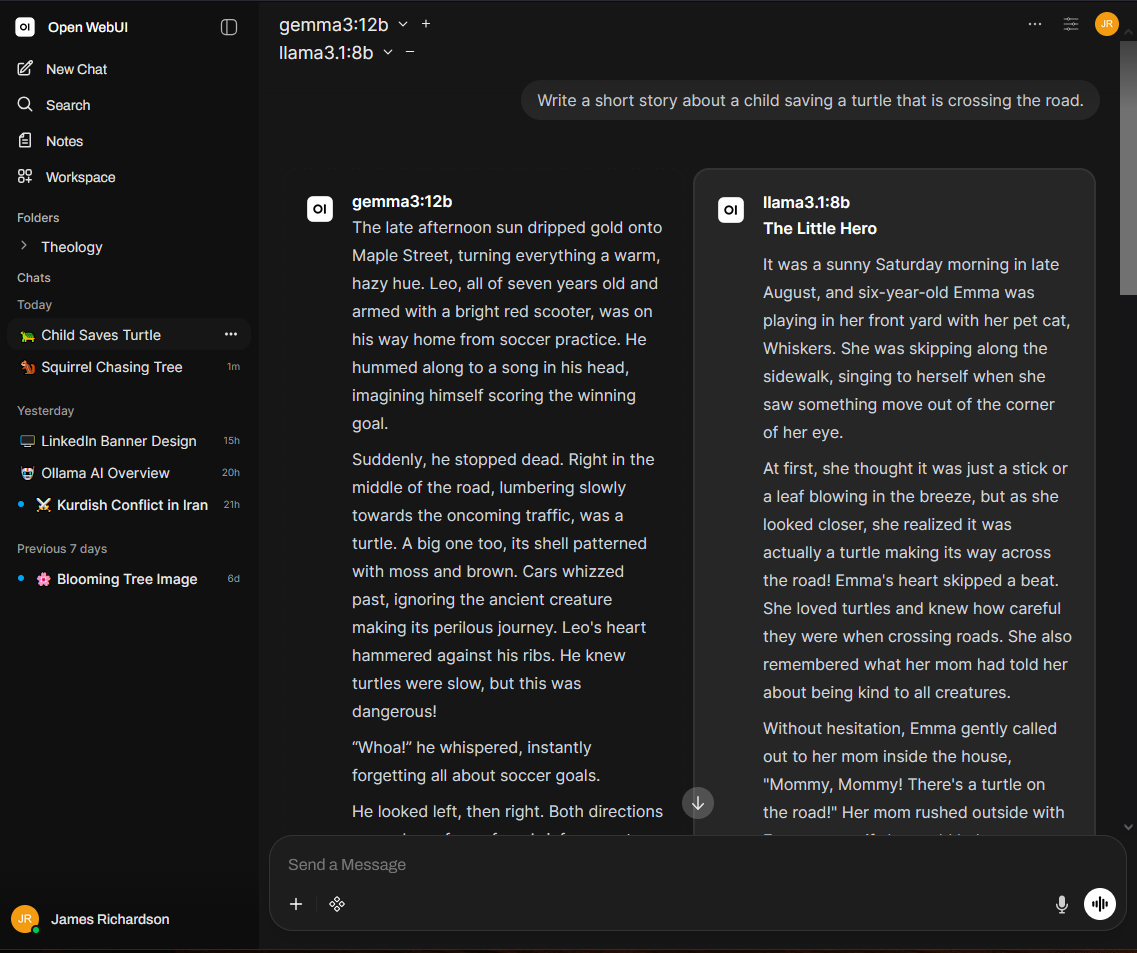
Arena Mode lets you compare AI models by sending the same prompt to multiple models and evaluating their responses side by side. Responses can be presented anonymously to reduce bias, allowing you to vote for the best answer. Over time, Arena Mode builds a performance ranking, making it an effective way to benchmark models based on response quality, reasoning, and instruction following.
AI Image Generation
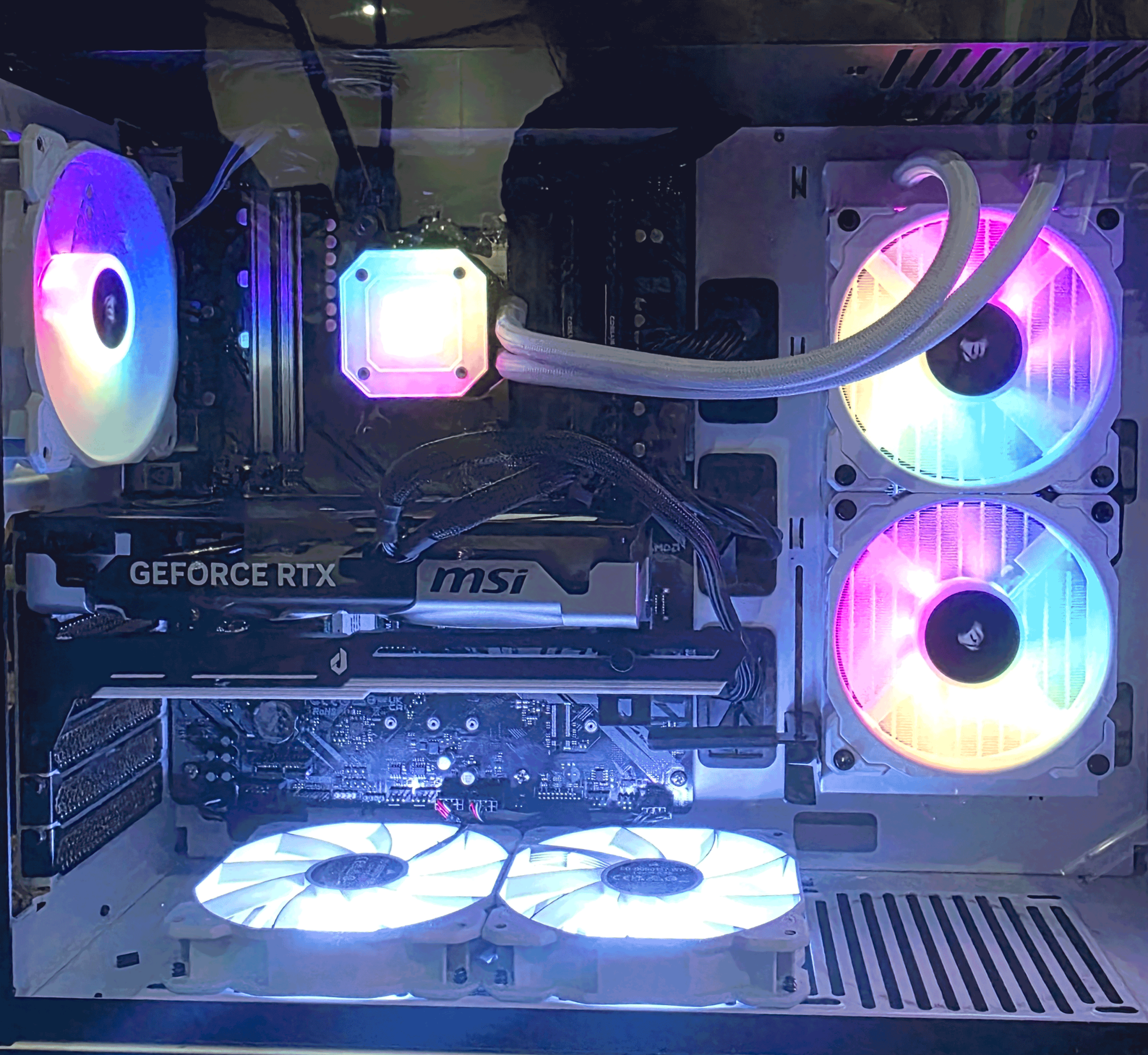
Image generation is hosted on a dedicated machine to separate GPU workloads from my primary AI server.
Hardware
- AMD Ryzen 5 3600
- 64 GB DDR4 RAM
- NVIDIA RTX 5060 Ti 16 GB
Software
- ComfyUI
Why ComfyUI?
ComfyUI’s node-based workflow provides significantly more control than traditional text-to-image interfaces and easily connects with the Open WebUI interface.
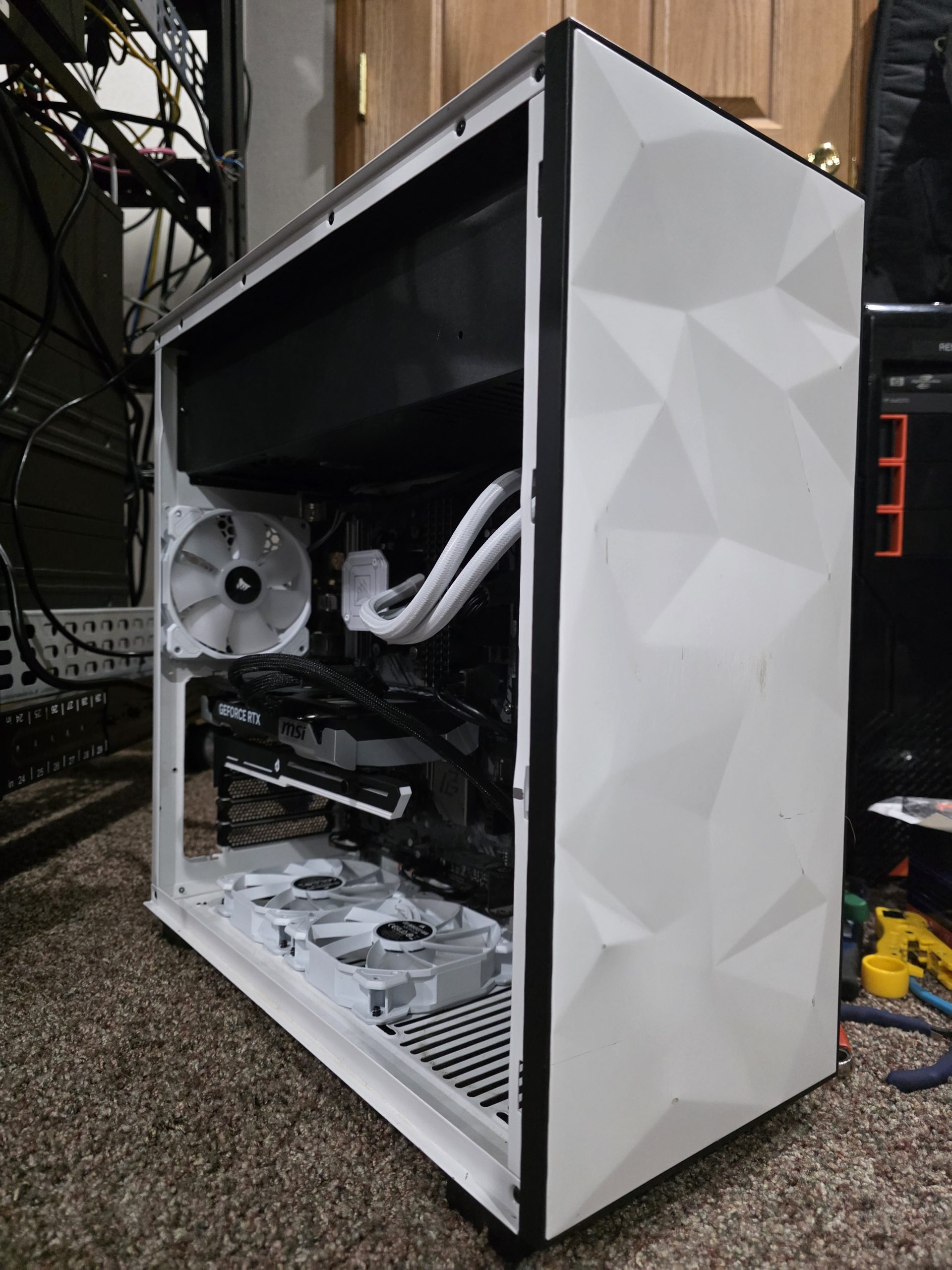
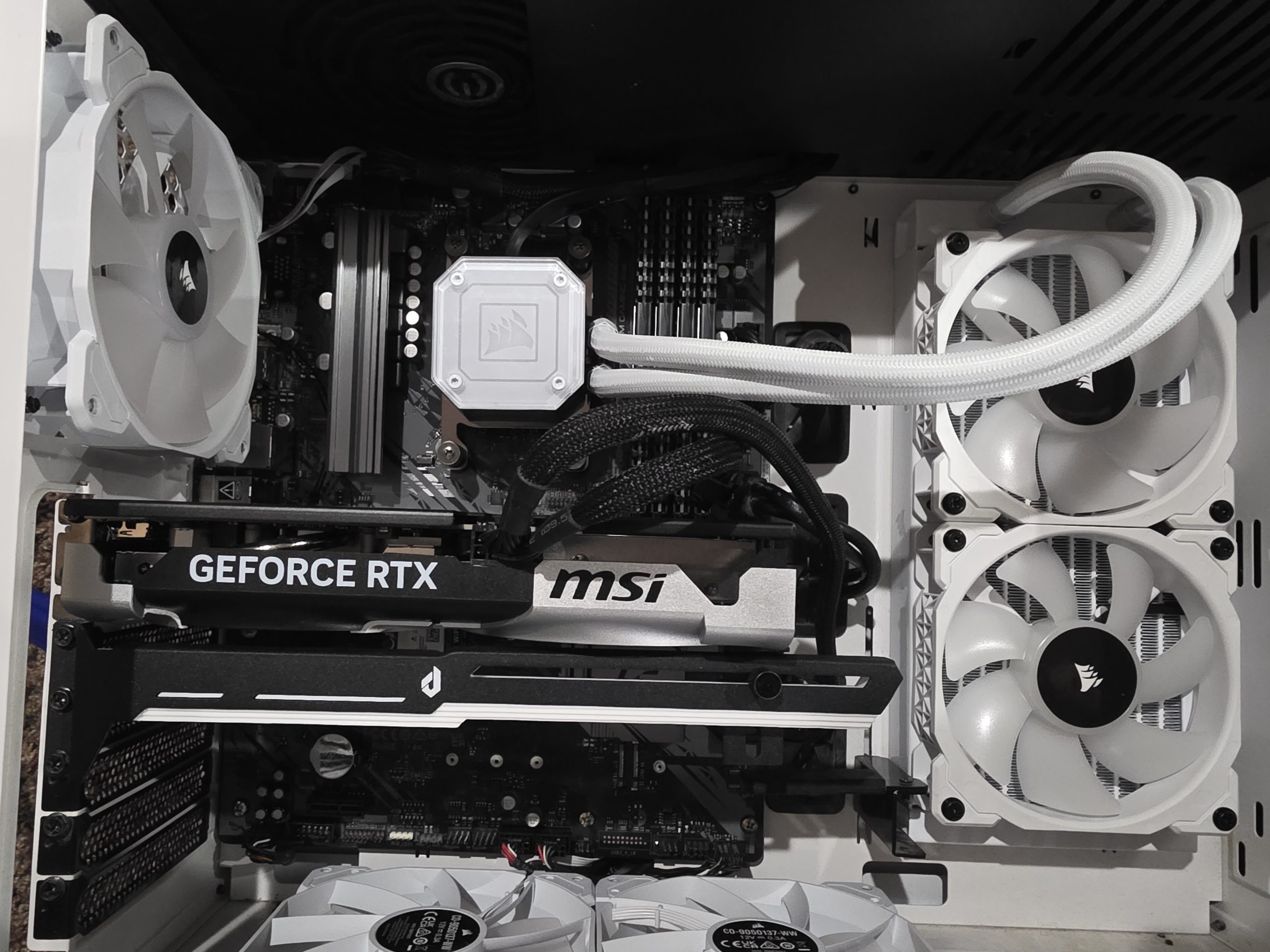
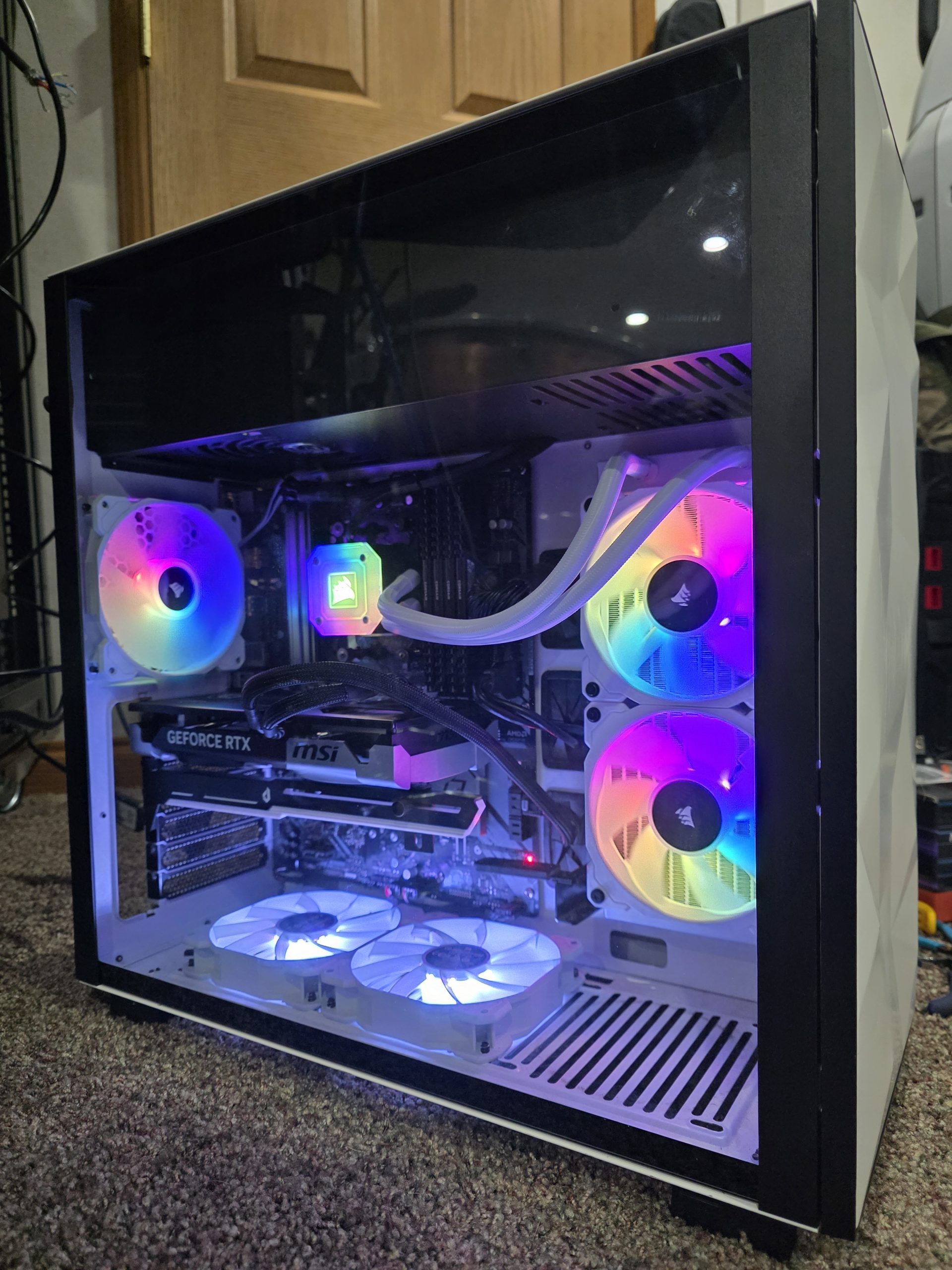
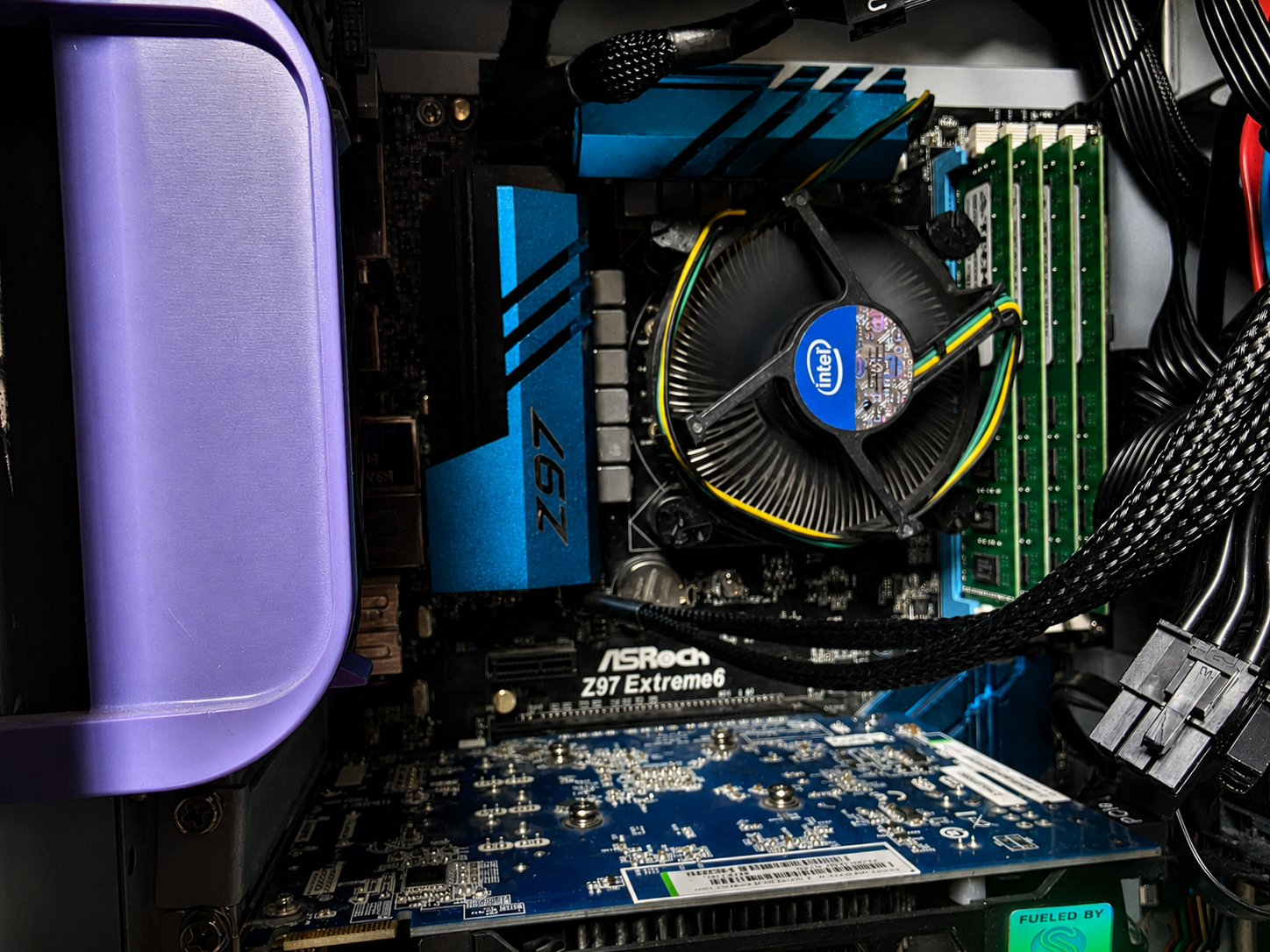
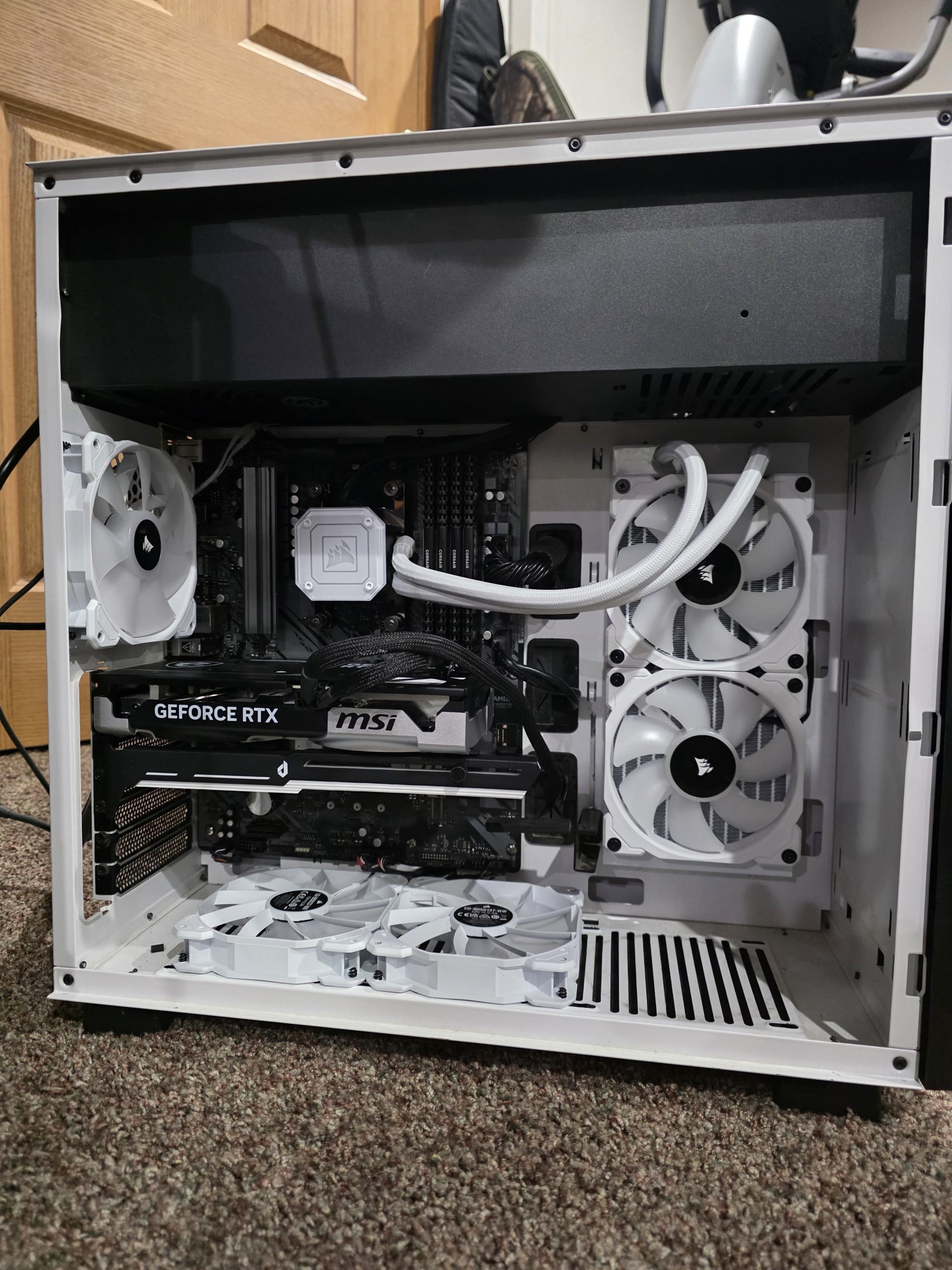
Running image generation on a separate server allows large rendering jobs without impacting language model performance.
You can generate Images in the Open WebUI chat
Open WebUI does not have the ability to generate images within itself. The Open WebUI interfaces with the ComfyUI render server allowing models like Qwen3:14b and Llama 3.1:8B to create images from prompts within the chat.
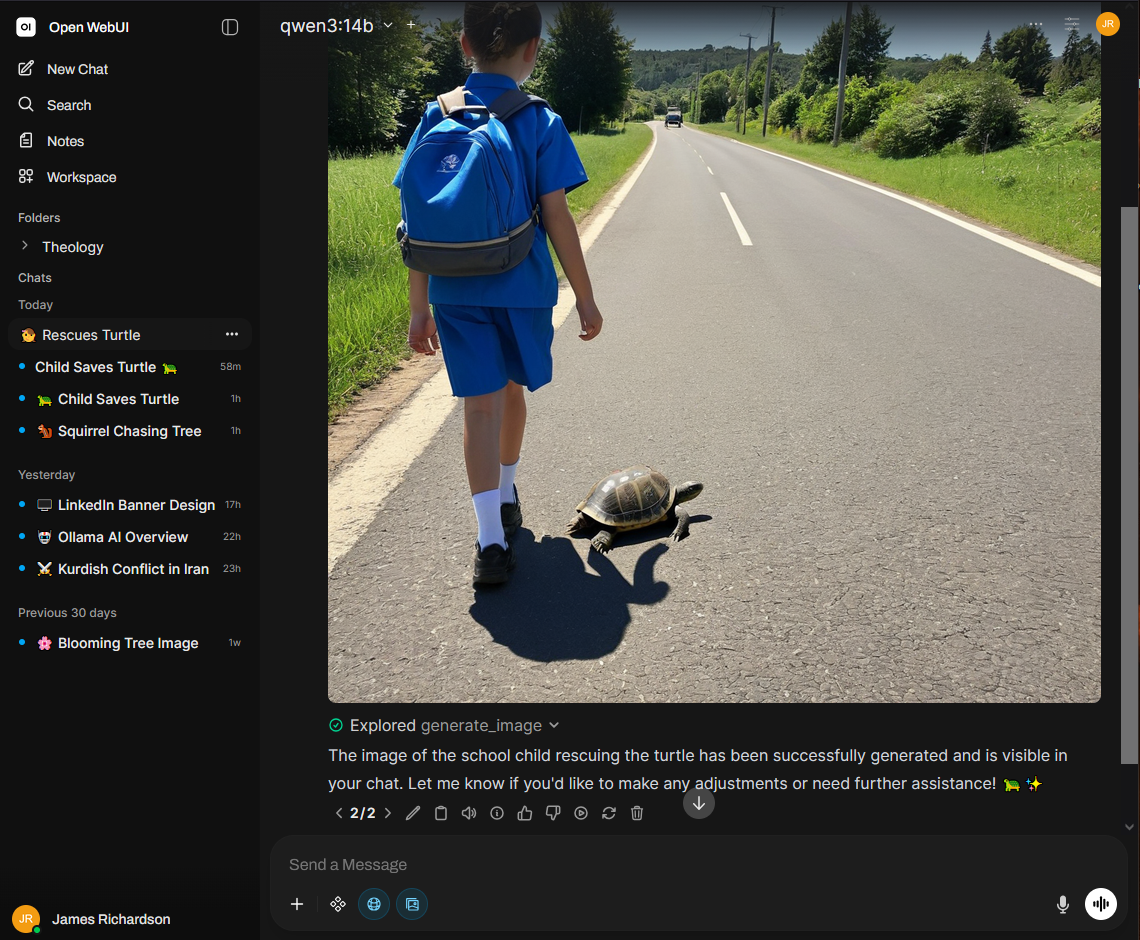
Open WebUI integrates with ComfyUI through its API, allowing users to submit image prompts from a single interface. ComfyUI processes the requests using custom Stable Diffusion workflows and returns the generated images, providing seamless access to local text and image AI services.
Private Web Search
For AI-assisted research, I use SearXNG as a self-hosted metasearch engine.
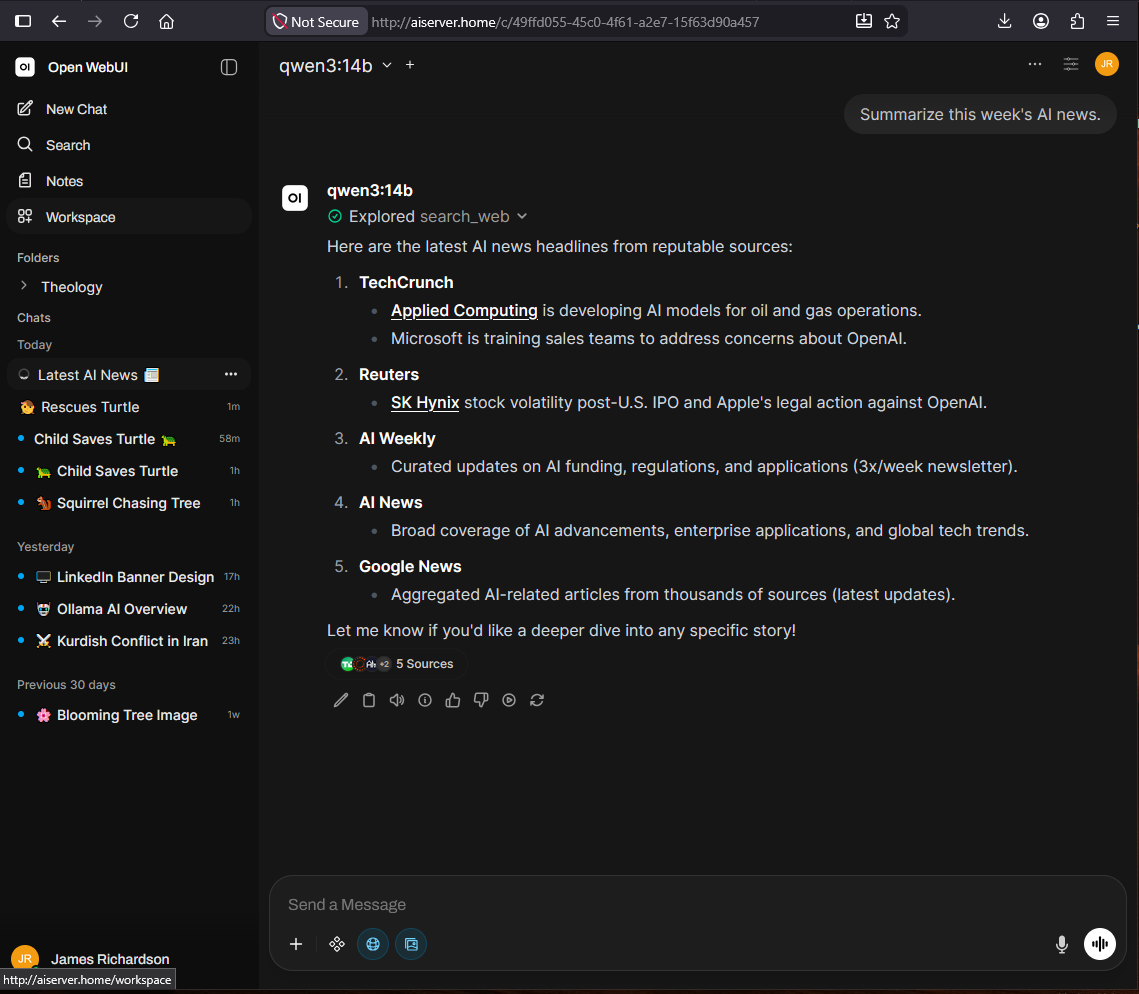
Open WebUI integrates with SearXNG through its API to provide real-time web search. SearXNG aggregates results from multiple search engines and returns relevant information, enabling AI models to generate responses using current web data while keeping searches private and self-hosted. This provides a more transparent alternative to relying on a single commercial search engine.