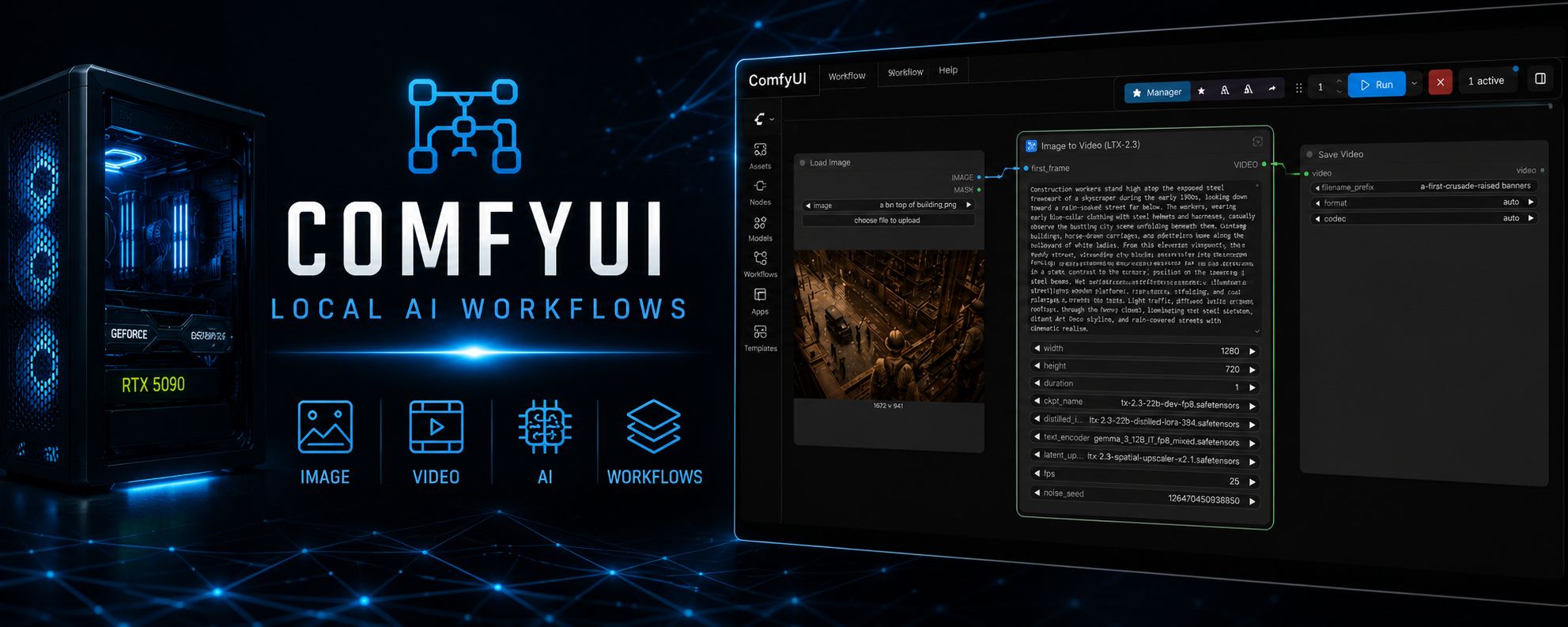


I built a dedicated AI rendering workstation designed for running modern image and video generation models entirely on local hardware. The system serves as both a learning platform and a production environment where I experiment with generative AI workflows, model management, prompt engineering, and hardware optimization.
Unlike cloud-based AI services, this workstation gives me complete control over the software stack, workflows, and generated content while providing significantly faster iteration during development and testing.
Hardware
The server is configured to handle the large memory requirements of current-generation AI models.
Core Specifications
- AMD Ryzen 9 5900X (12 Cores / 24 Threads)
- NVIDIA GeForce RTX 5090 Suprim (32 GB VRAM)
- 64 GB System Memory
- Windows 11
- Python 3.10
- PyTorch 2.11 with CUDA 12.8 acceleration
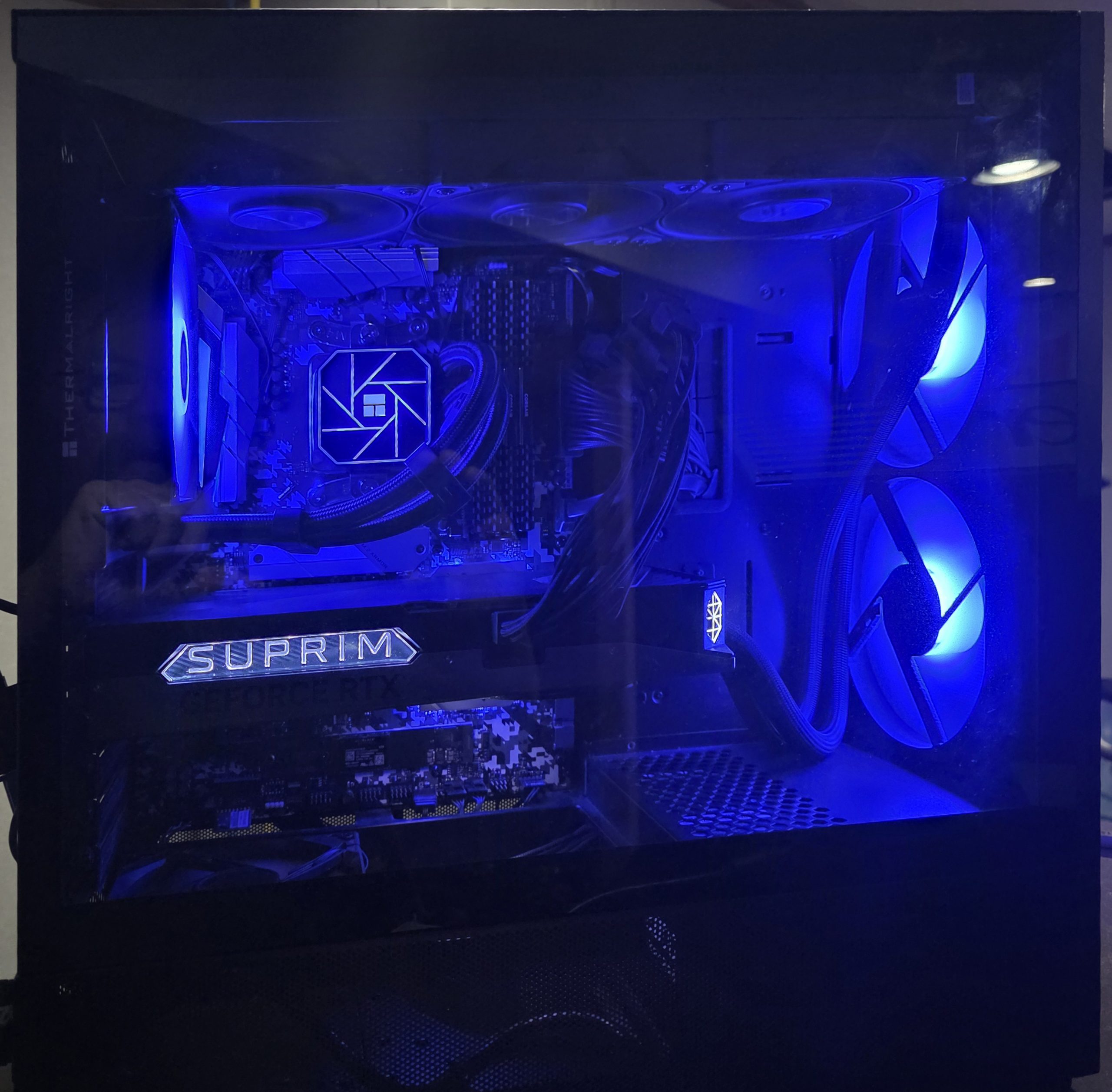
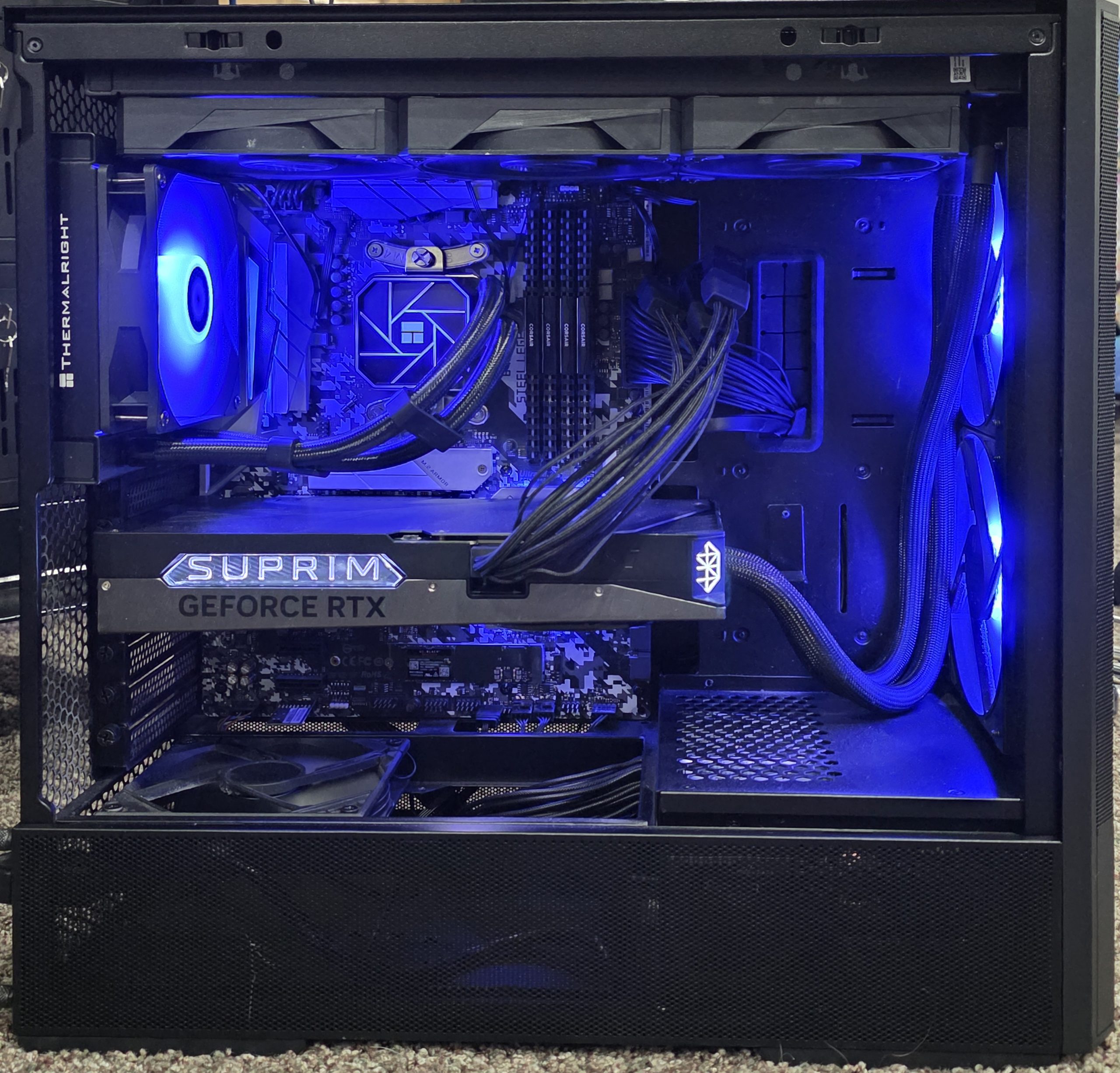
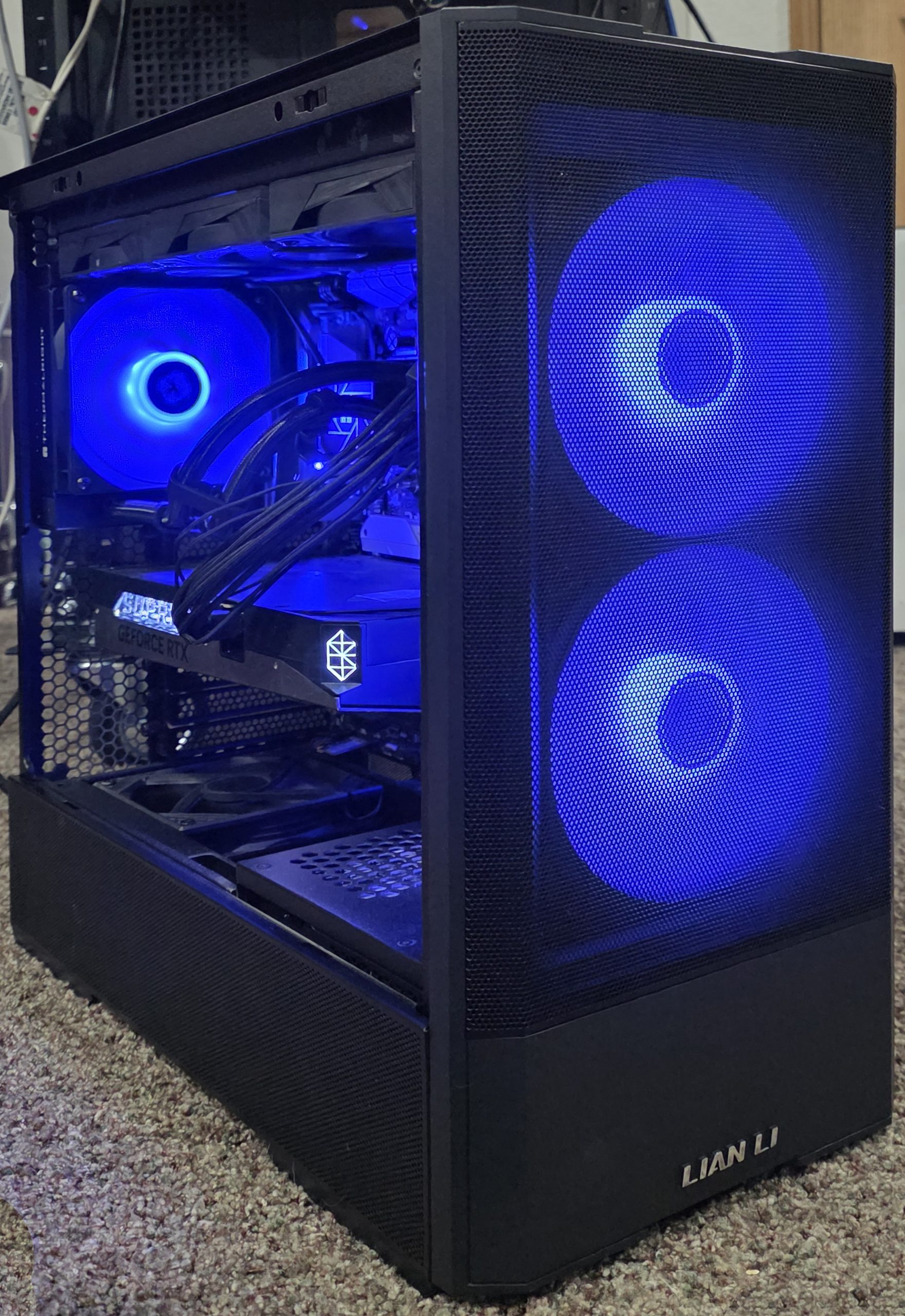
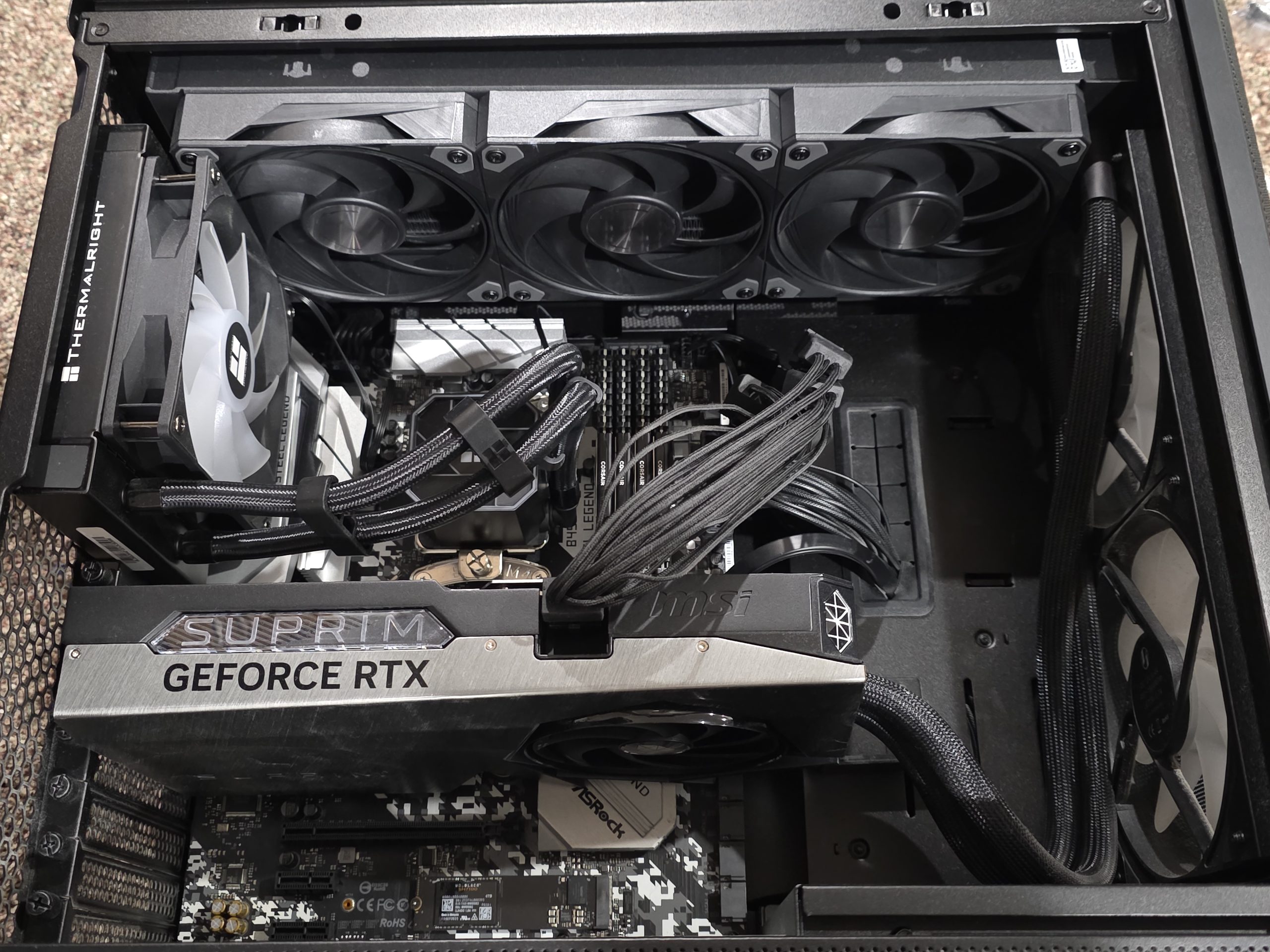
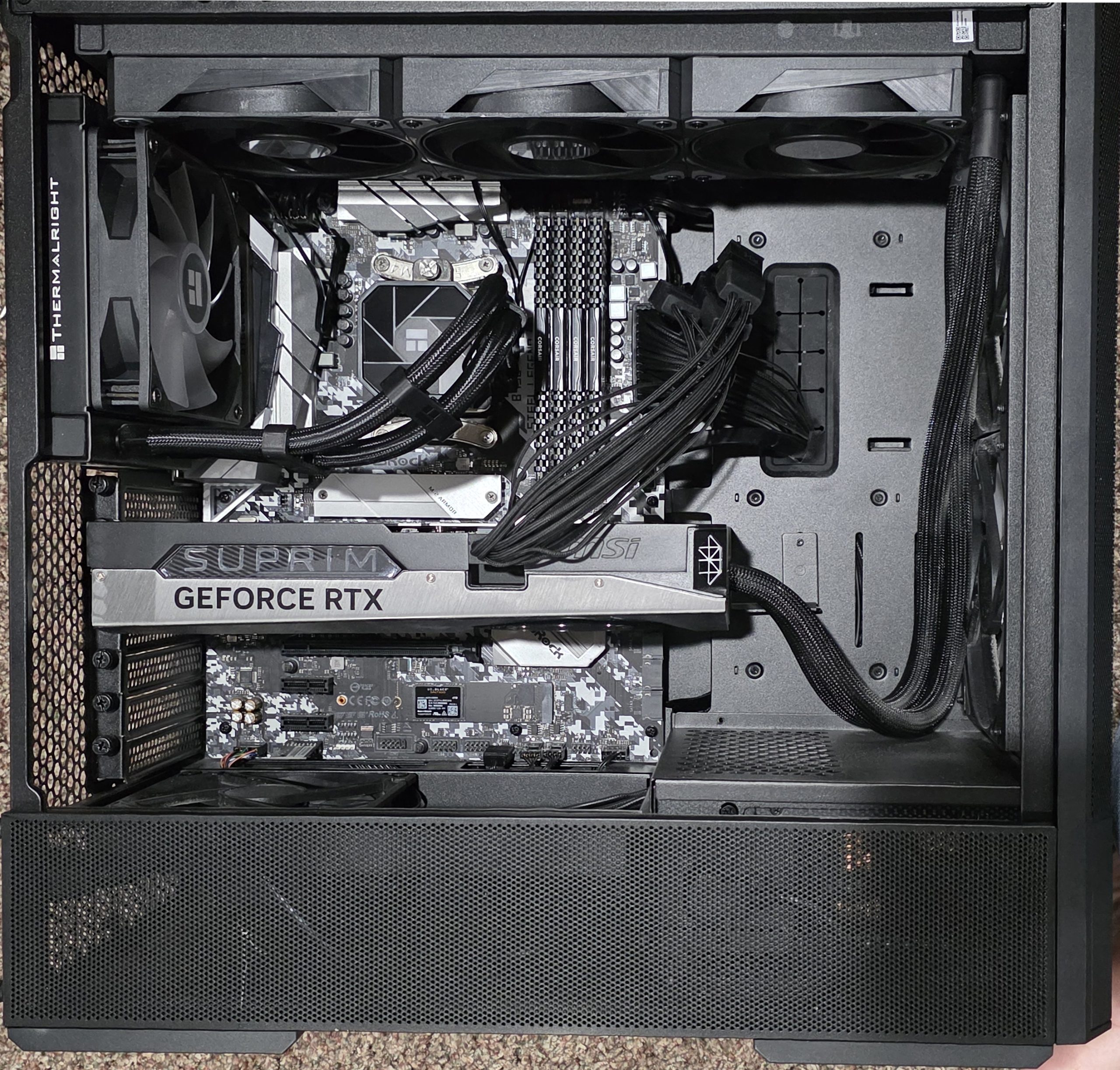
The 32 GB of dedicated GPU memory allows large diffusion models, video generation models, ControlNet workflows, LoRAs, and multiple processing pipelines to run locally without relying on cloud GPU services.
AI Workflow: Text to Image to Talking Character
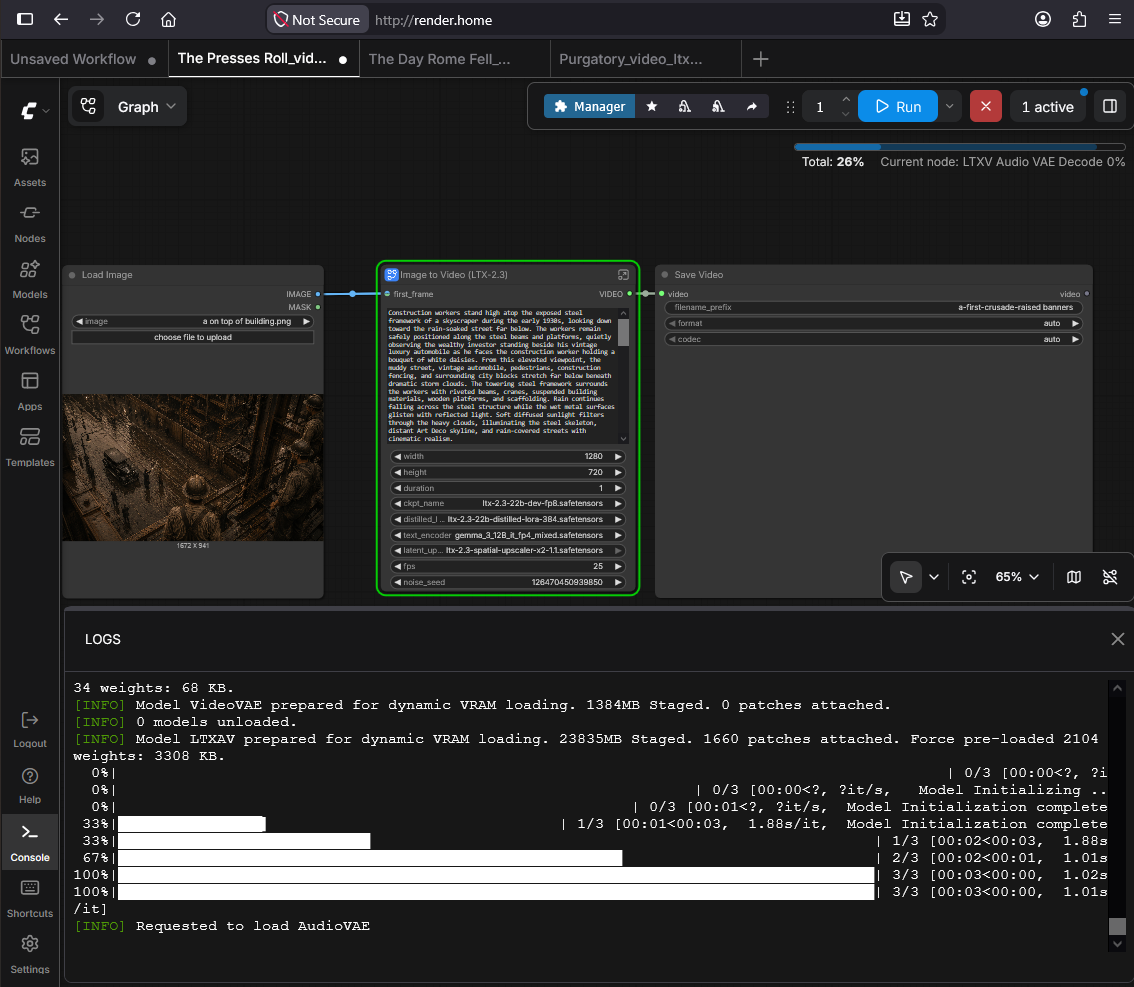
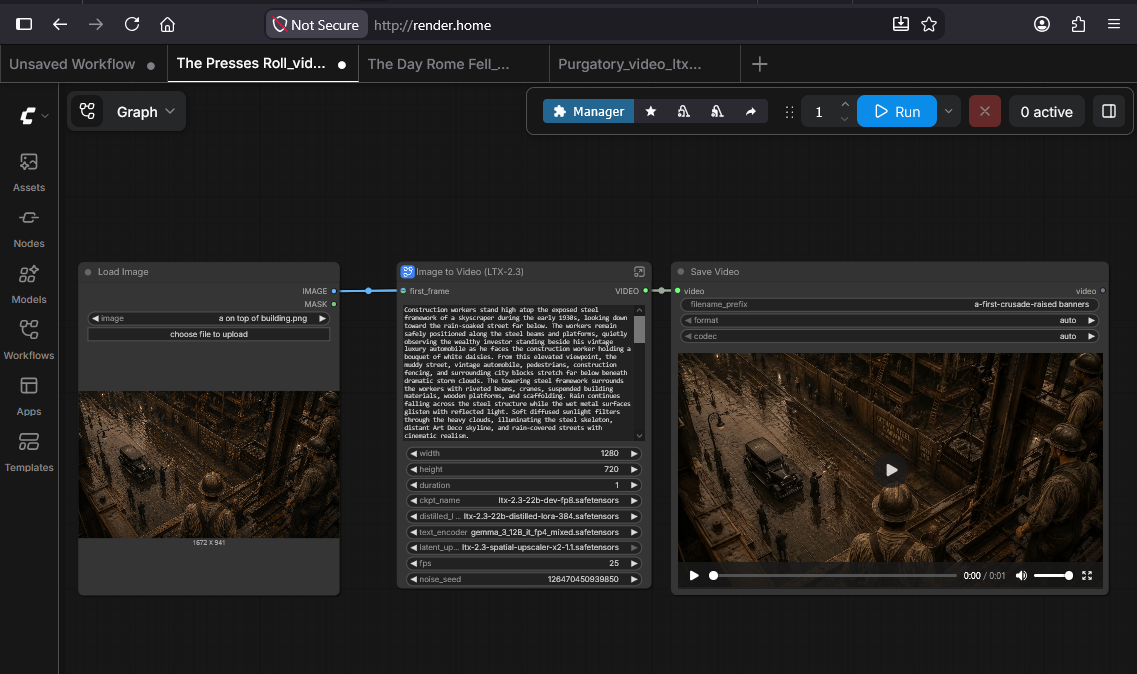
This workflow demonstrates how a single text prompt is transformed into a fully animated character using local AI models running entirely within ComfyUI.
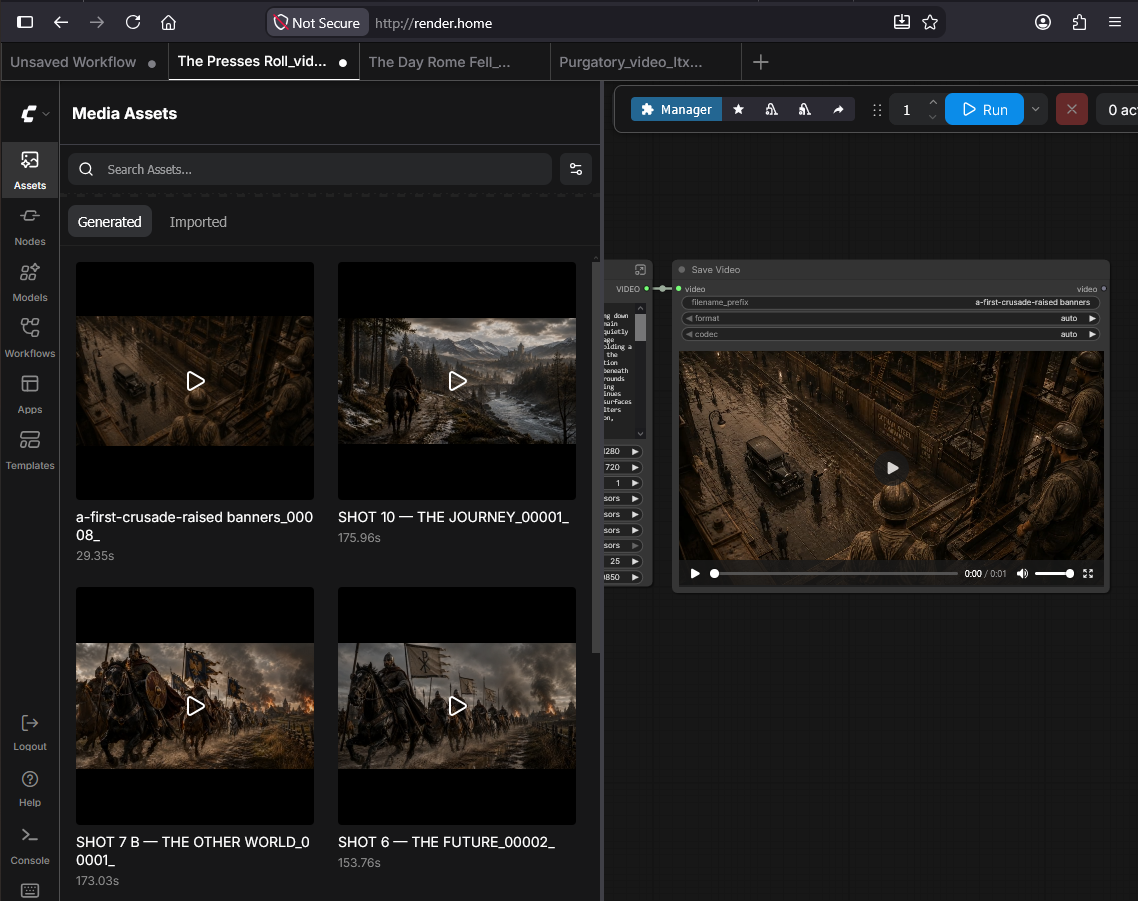
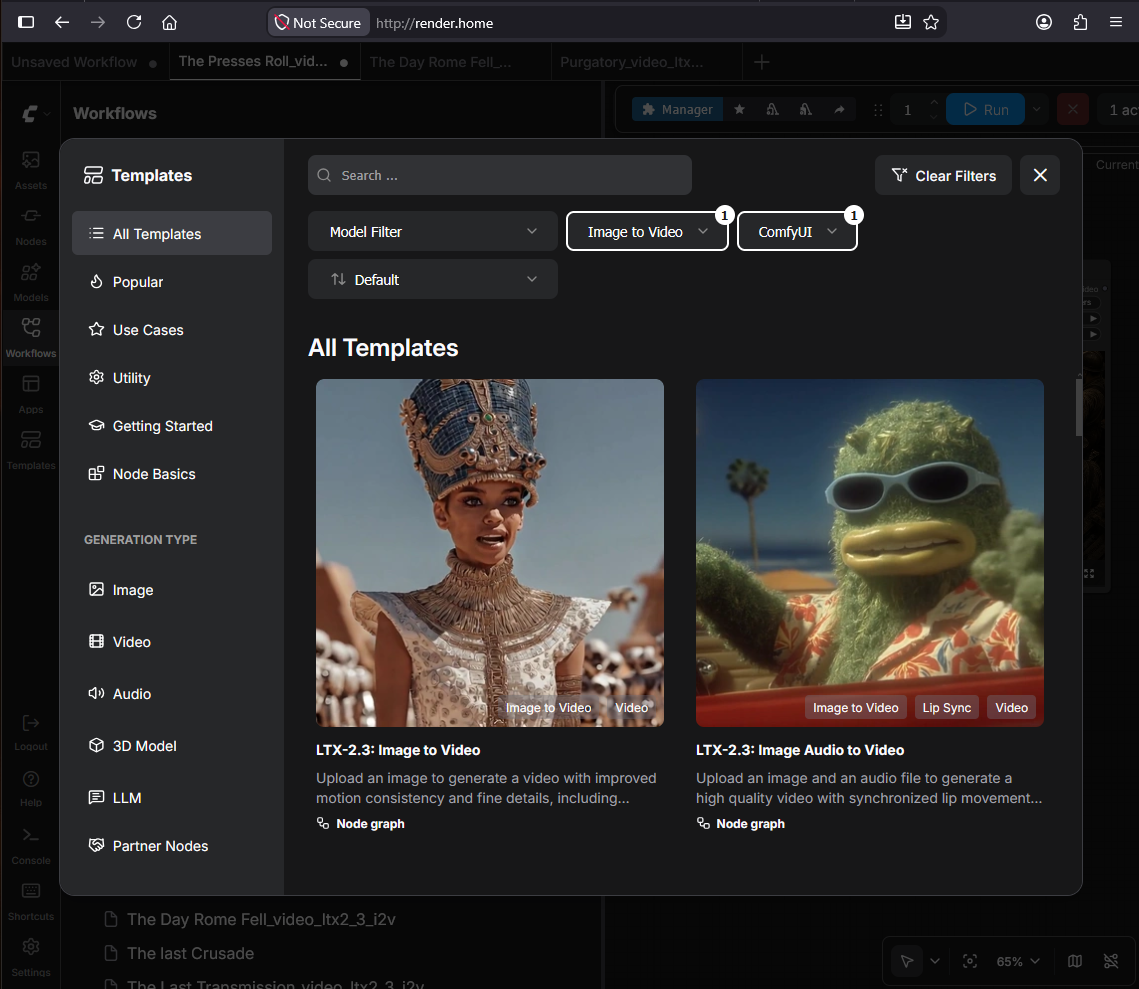
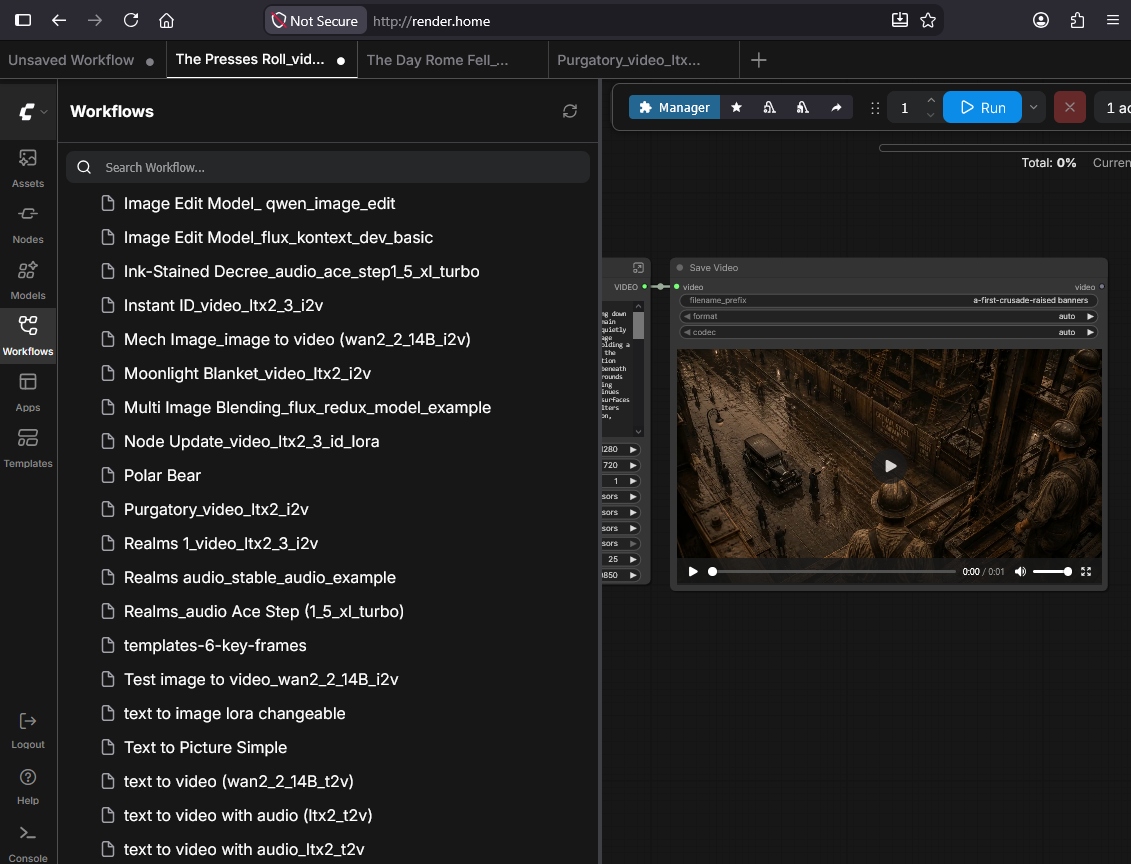
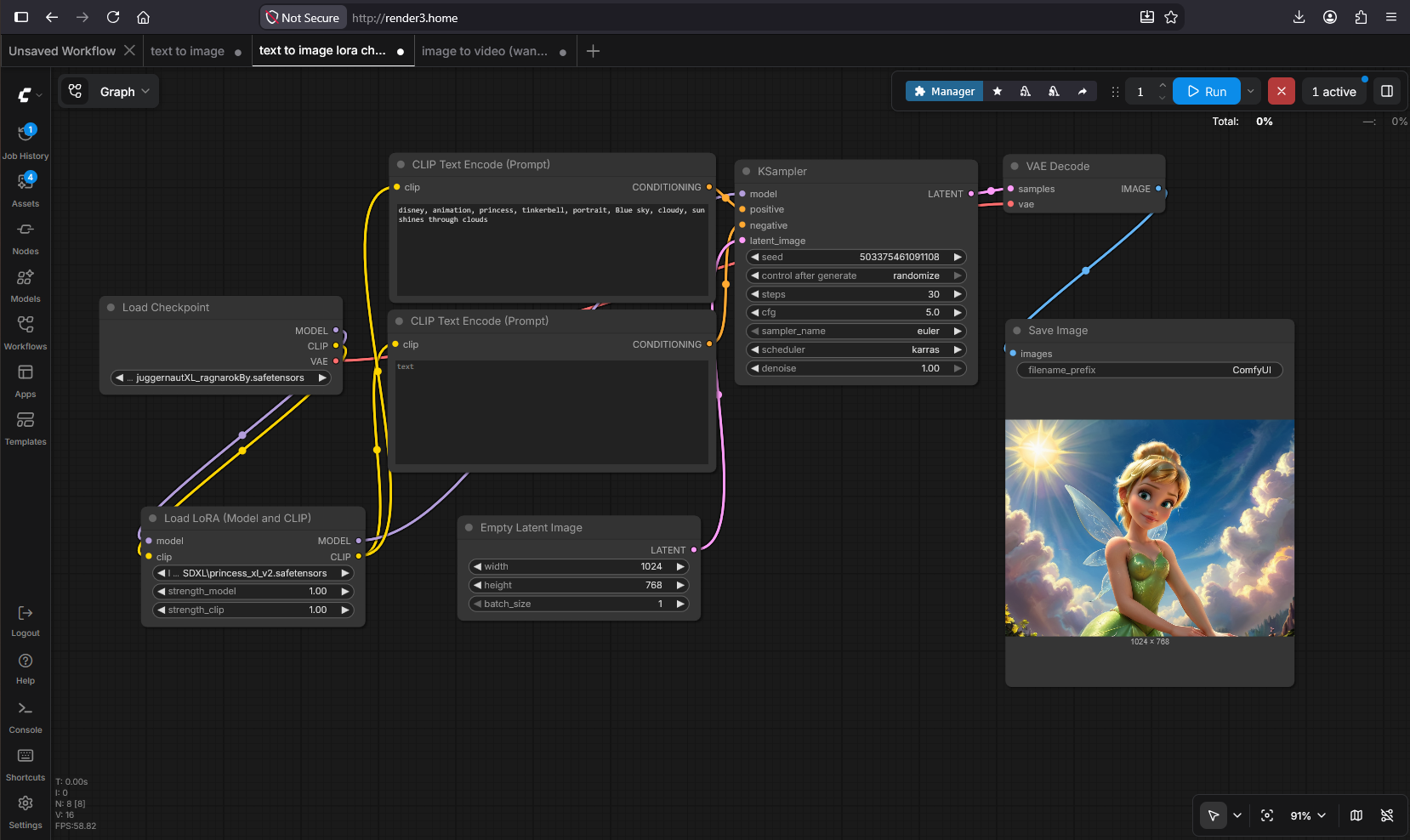
Step 1 Text-to-Image
The process begins with a text prompt describing the desired scene and character. A diffusion model generates a high-quality still image that serves as the foundation for the animation.
Output:
- High-resolution fairy character image
Step 2 Character Image
The generated fairy image is reviewed and refined until it matches the desired appearance, lighting, composition, and artistic style. This image becomes the reference frame for all subsequent animation.
Output:
- Final character reference image

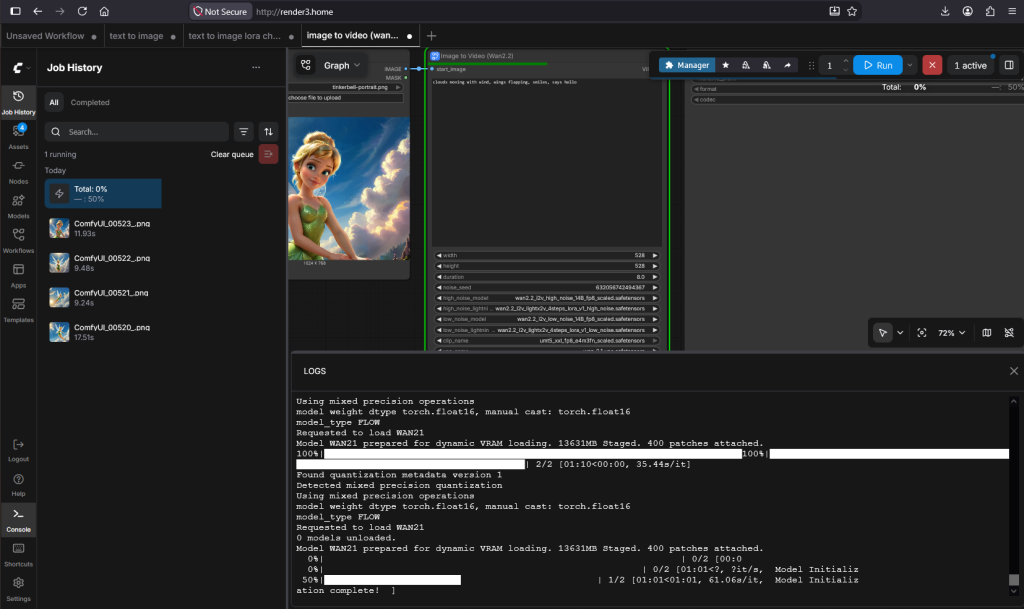
Step 3 Image-to-Video Animation (LTX Video 2.3)
The reference image is passed into an LTX Video 2.3 workflow inside ComfyUI. Motion prompts animate the still image while preserving character consistency. Subtle movements such as blinking, wing motion, head movement, hair movement, and hand waving create a natural-looking performance.
Output:
- Animated fairy waving goodbye
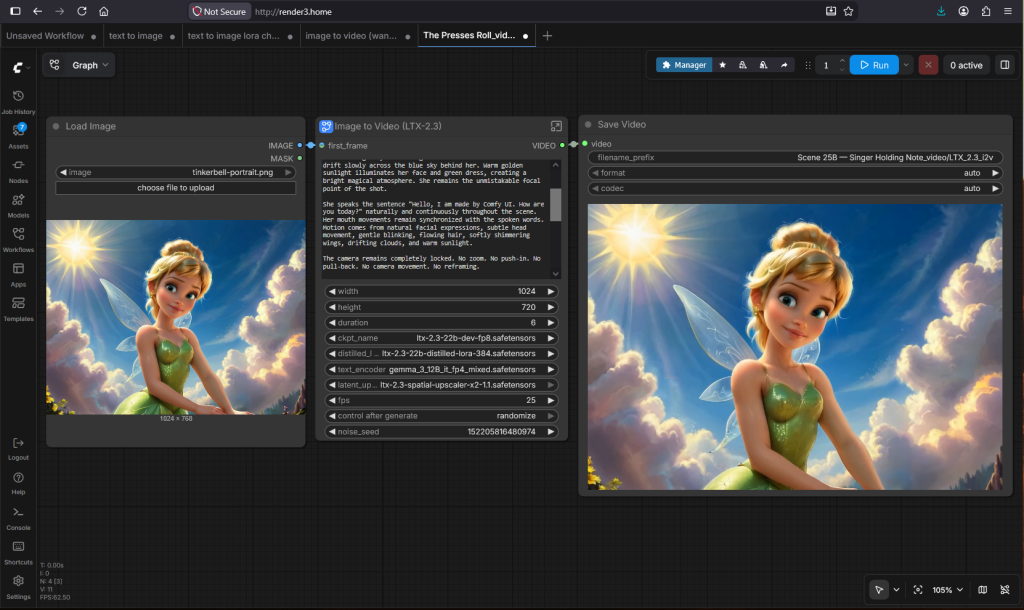
Step 4 Image-to-Video with Audio
The animation is then combined with an audio generation workflow. LTX Video synchronizes facial animation with the supplied speech, producing realistic lip synchronization while maintaining the original character appearance throughout the sequence.
Output:
- Animated fairy saying, “Hello, I am made by ComfyUI. How are you today?”
This project demonstrates practical experience deploying and managing local AI infrastructure, integrating multiple open-source models, optimizing GPU-accelerated workflows, and producing AI-generated visual content without relying on commercial cloud platforms.