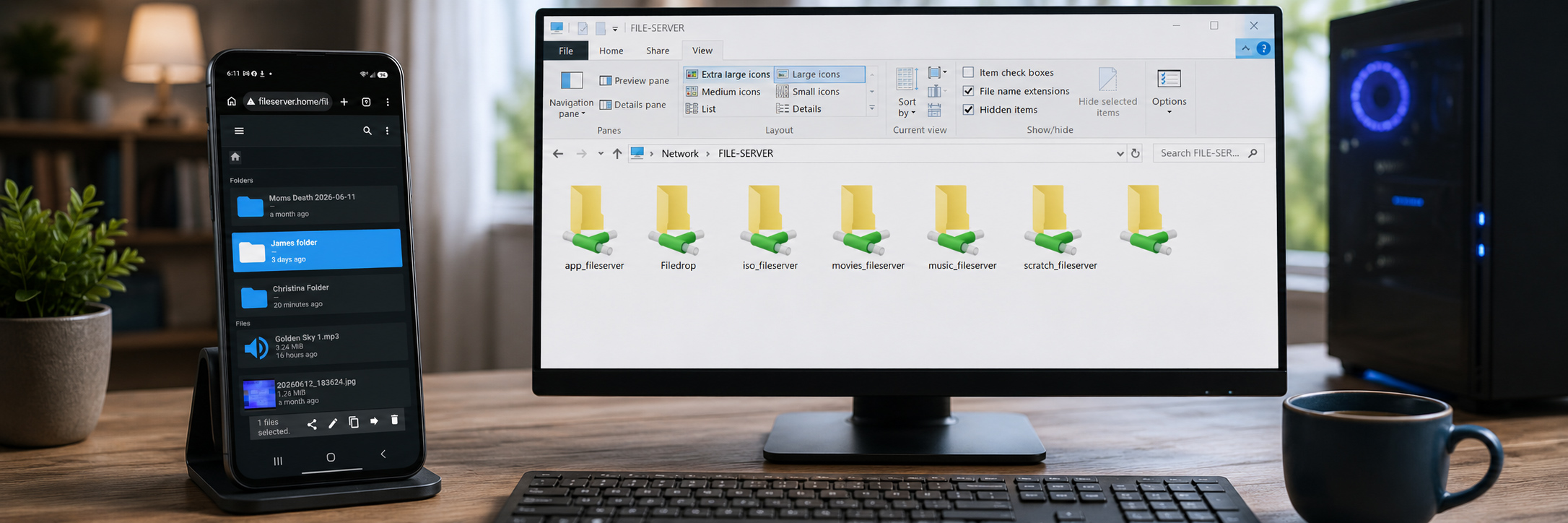

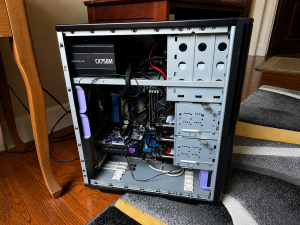
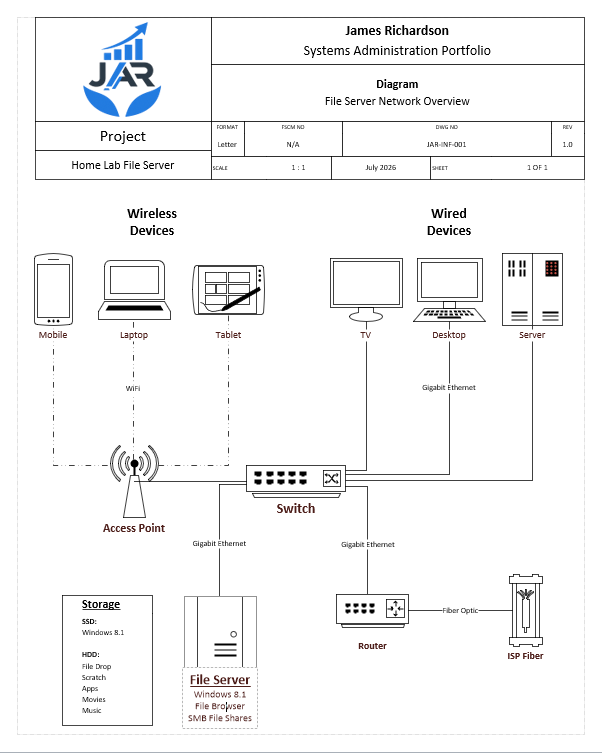
Here’s the infrastructure solution I designed, implemented, documented, and maintain. It serves as a centralized storage platform for multiple users while providing secure access from Windows PCs, mobile devices, and media systems. The project demonstrates hands-on experience with hardware deployment, Windows administration, network file sharing, and workflow optimization.
Hardware
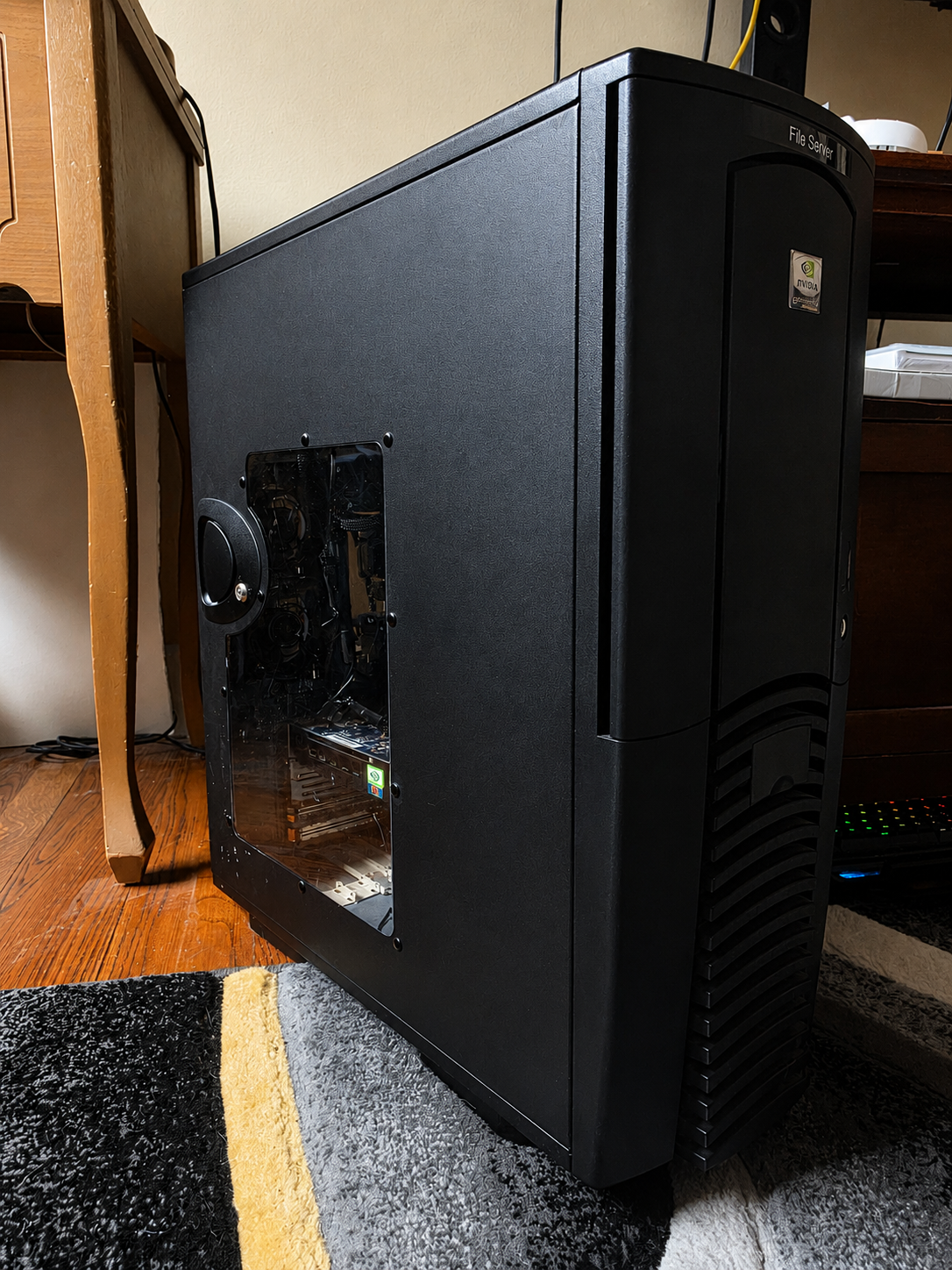
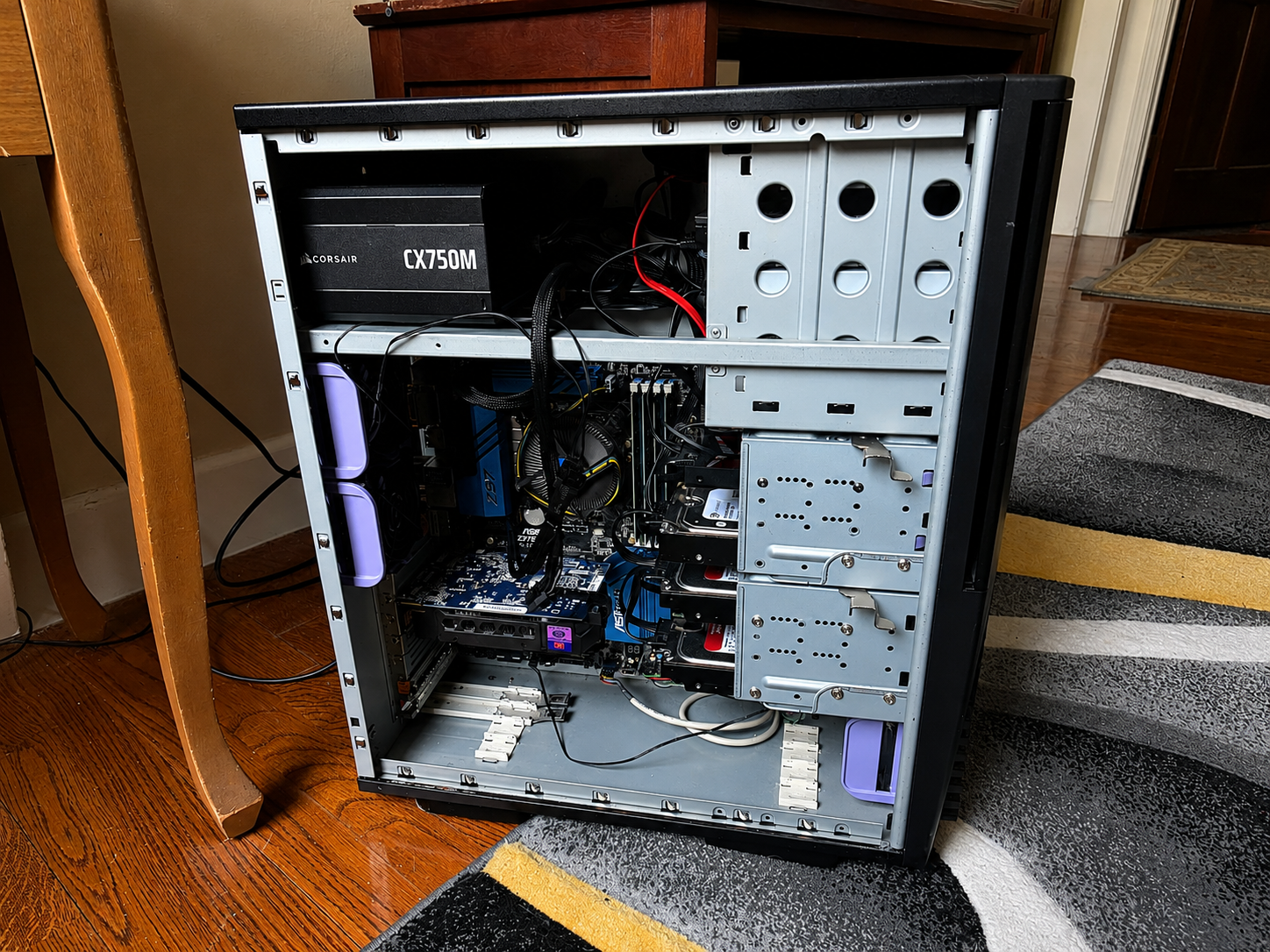
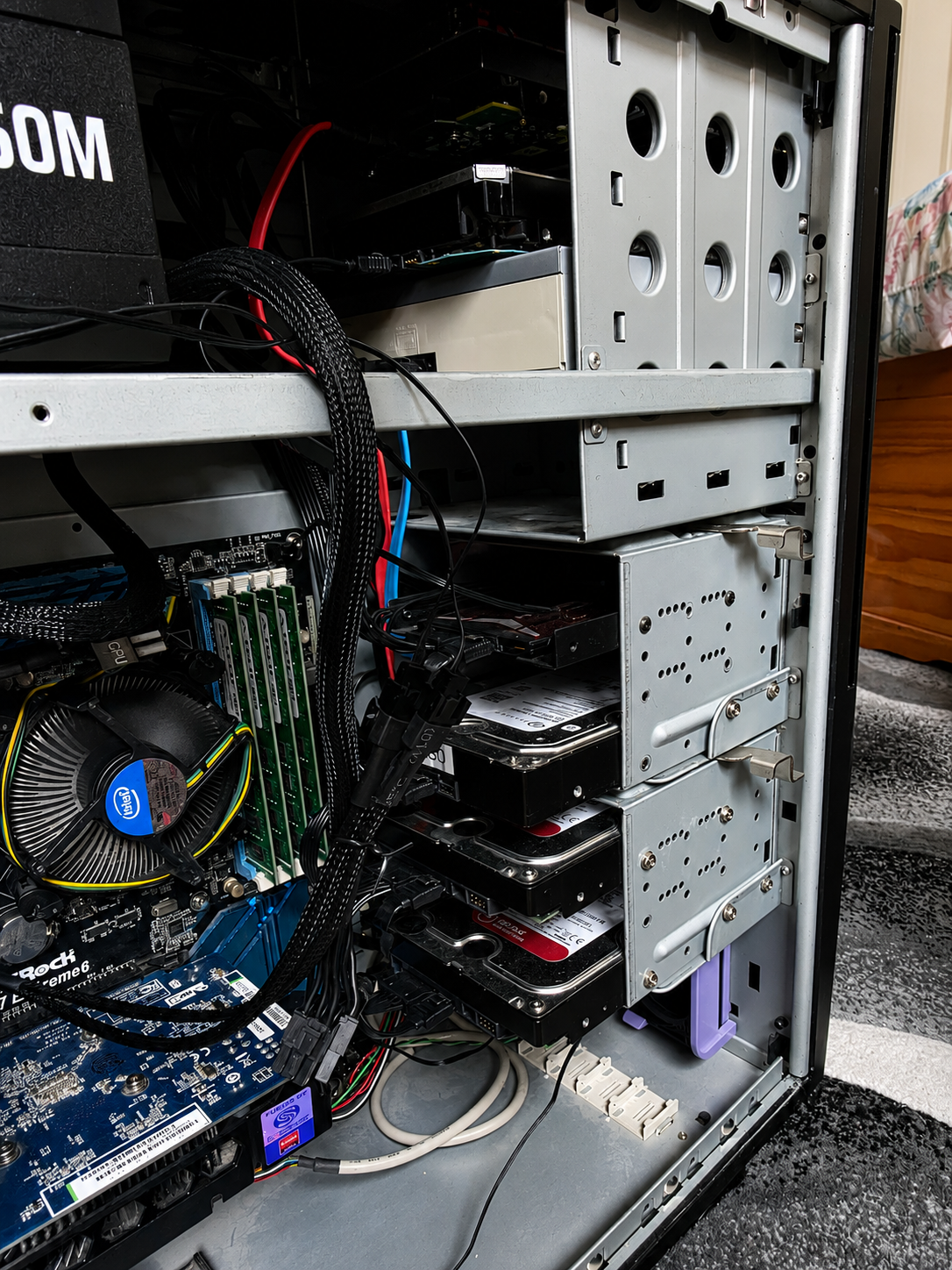
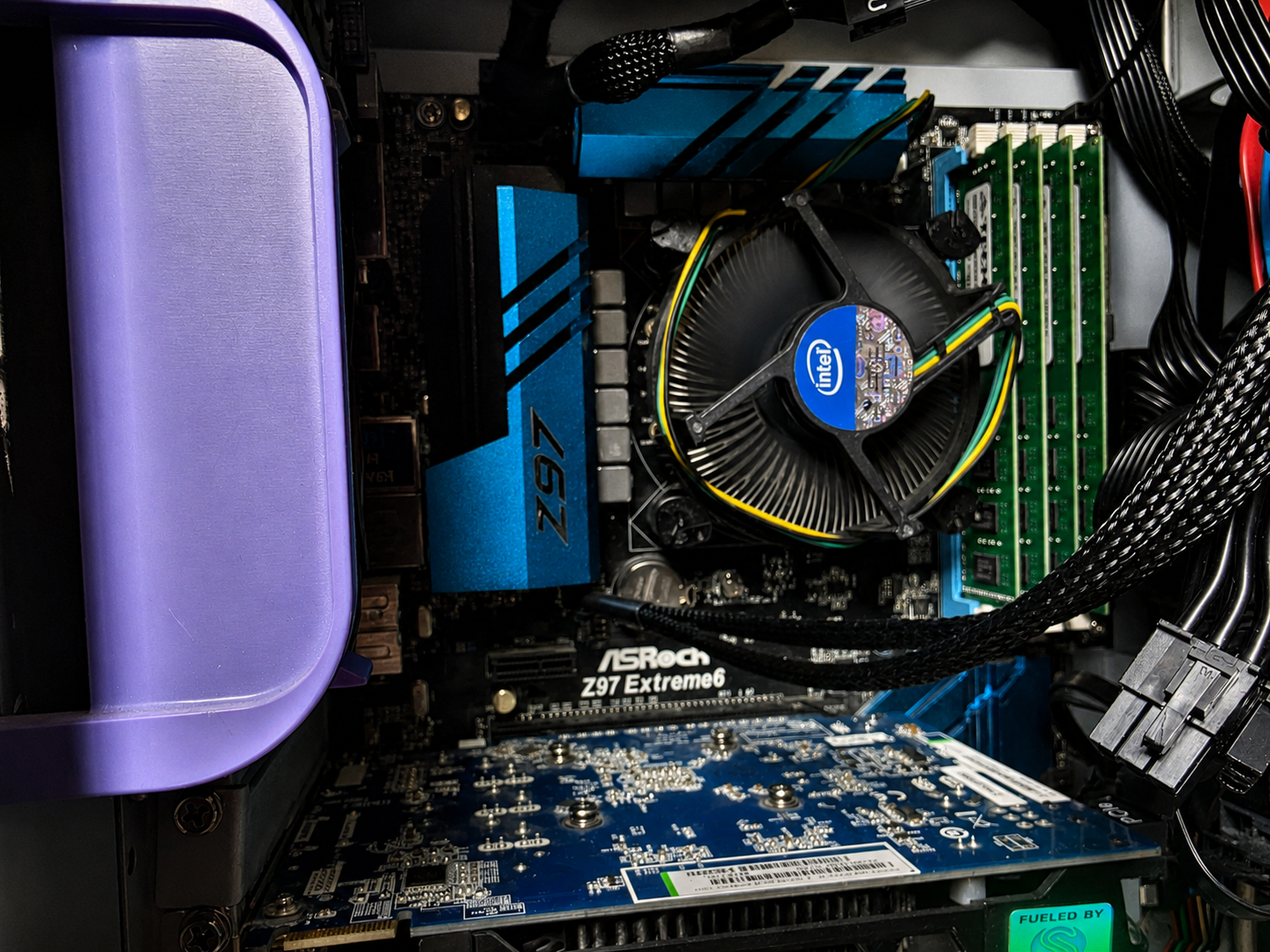
I built this server using reliable desktop hardware selected to provide dependable performance for centralized file storage, media services, and multi-user access.
- Motherboard: ASRock Z97 Extreme6
- CPU: Intel Core i7
- Memory: 32 GB (4 × 8 GB) A-Tech DDR3
- Graphics: Radeon HD 7770
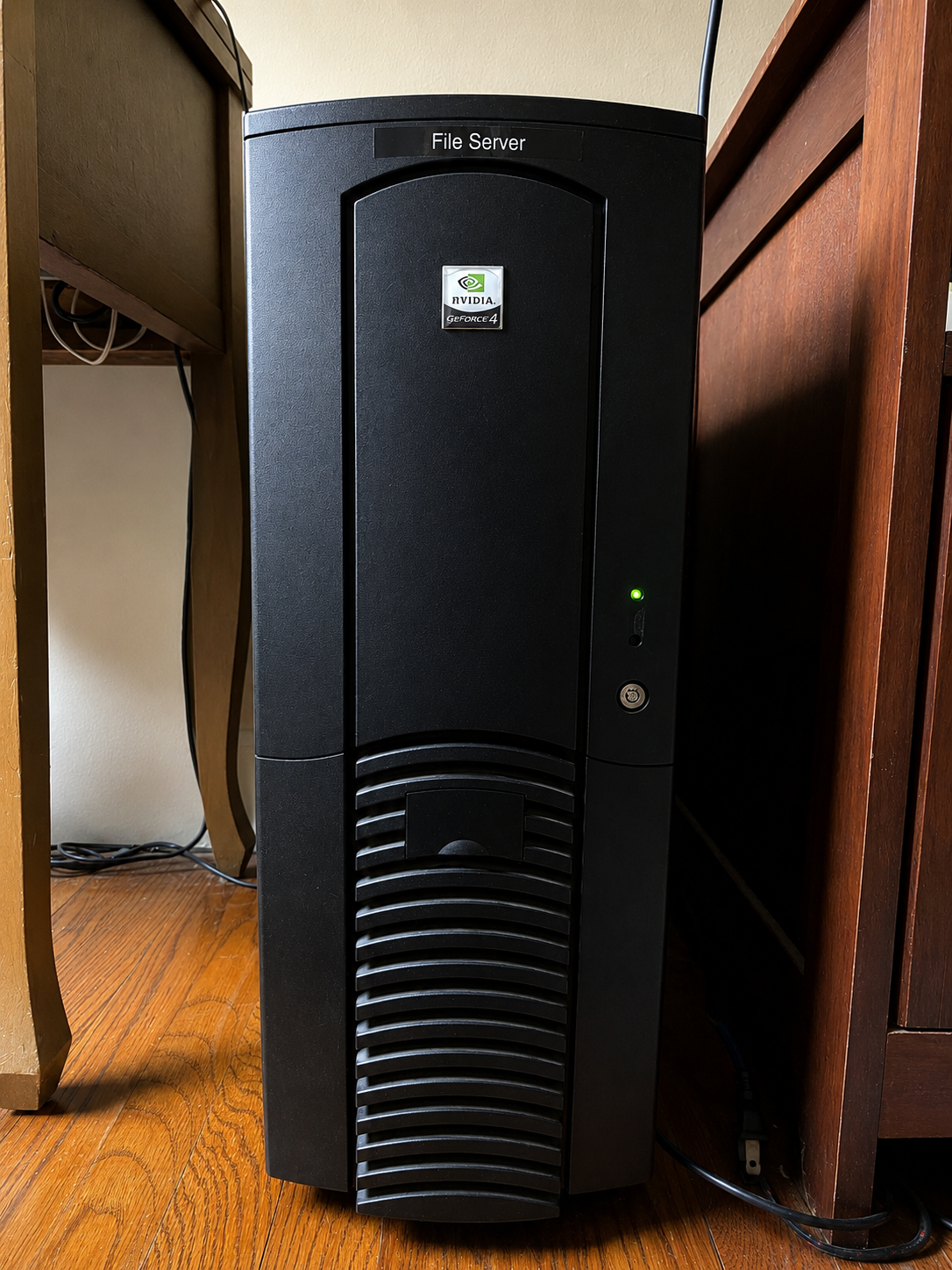
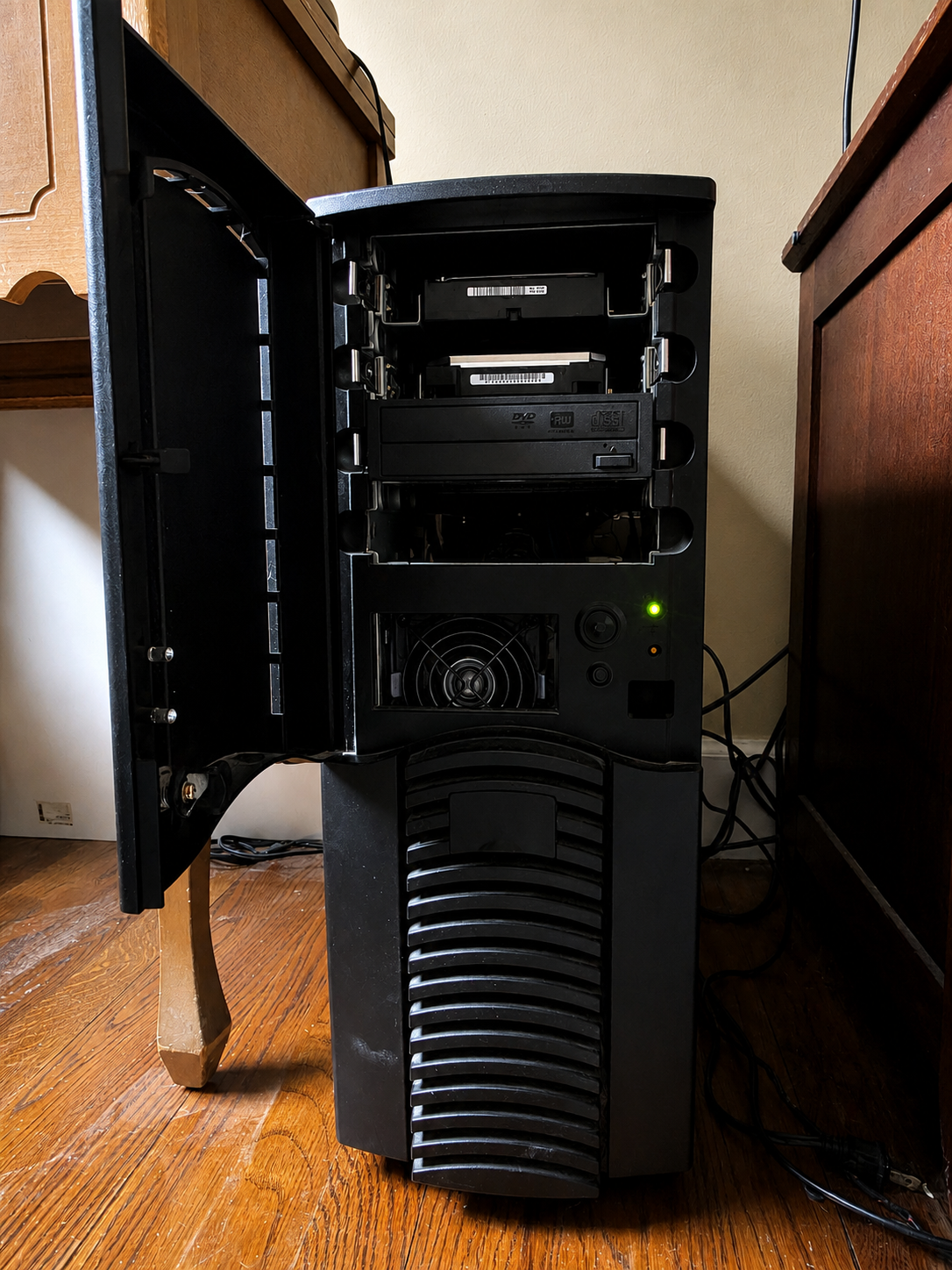
Storage Configuration
The server uses dedicated storage volumes to separate operating system files, applications, active projects, and media. Organizing data by function improves file management, simplifies maintenance, and keeps workflows efficient.
SSD:
- Windows 8.1 Media Center Edition, selected to retain Windows Media Center functionality removed from newer versions of Windows.
HDD:
- Music: Shared music library accessible across the network.
- File Drop: Central location for incoming files and user uploads.
- Scratch: Temporary workspace for active projects and large file processing.
- Applications: Software, installers, utilities, and system tools.
- Movies: Centralized media library for television and network streaming.
File Browser
File Browser provides a modern web interface for accessing and managing files from virtually any device without requiring direct access to Windows network shares.
Click here to check out File Browser.
- Mobile access from phones and tablets
- Windows network (SMB) file sharing
- Television access to media libraries
- Browser-based file management
- User authentication and permissions
- Secure file uploads and downloads
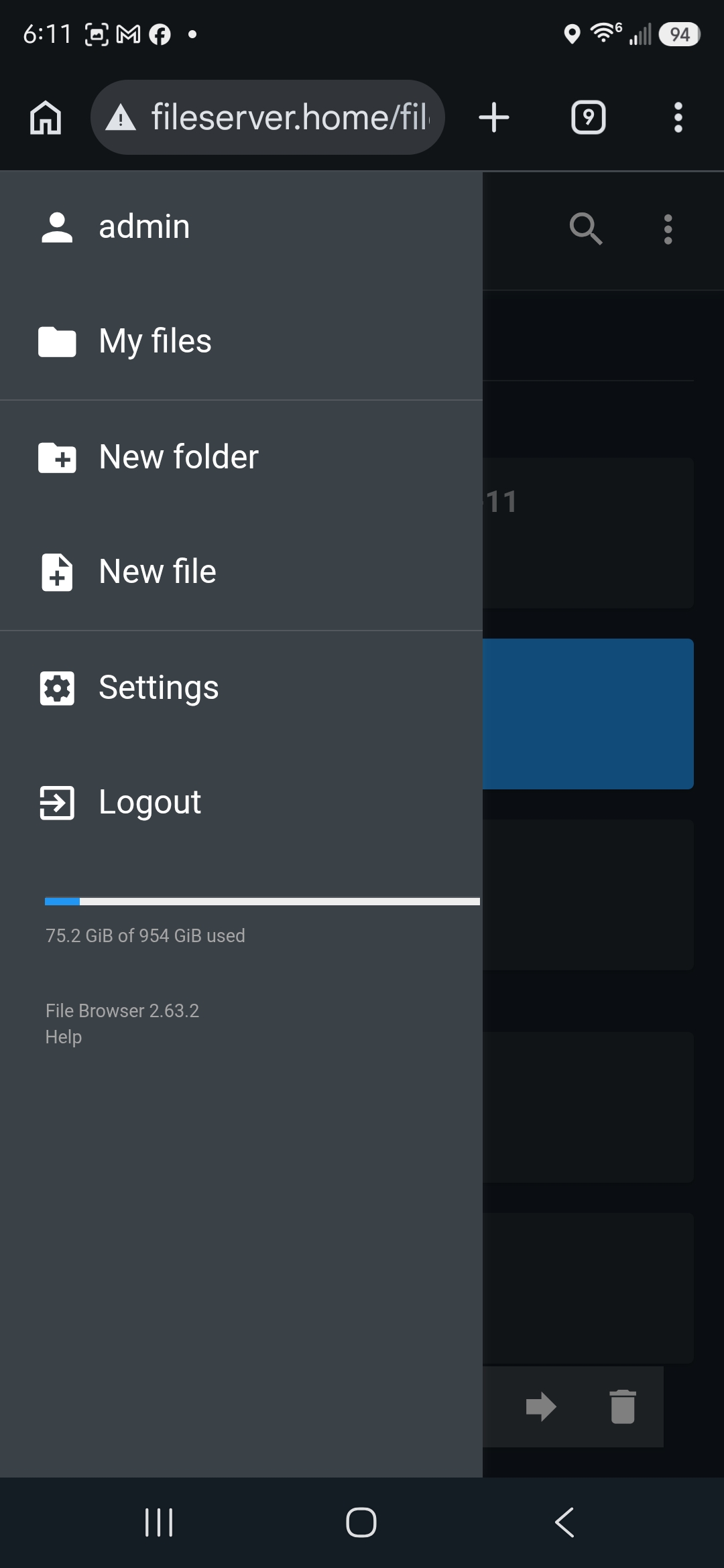
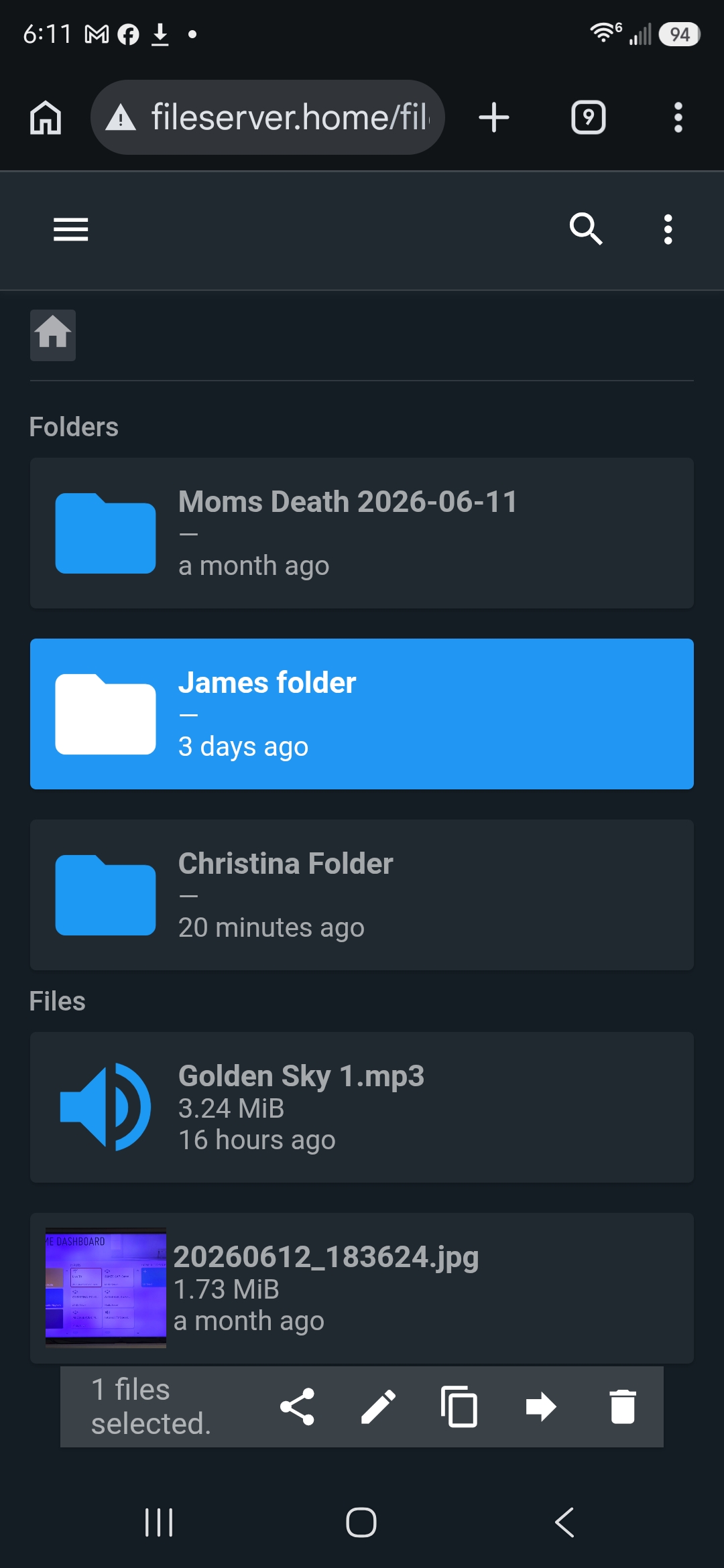
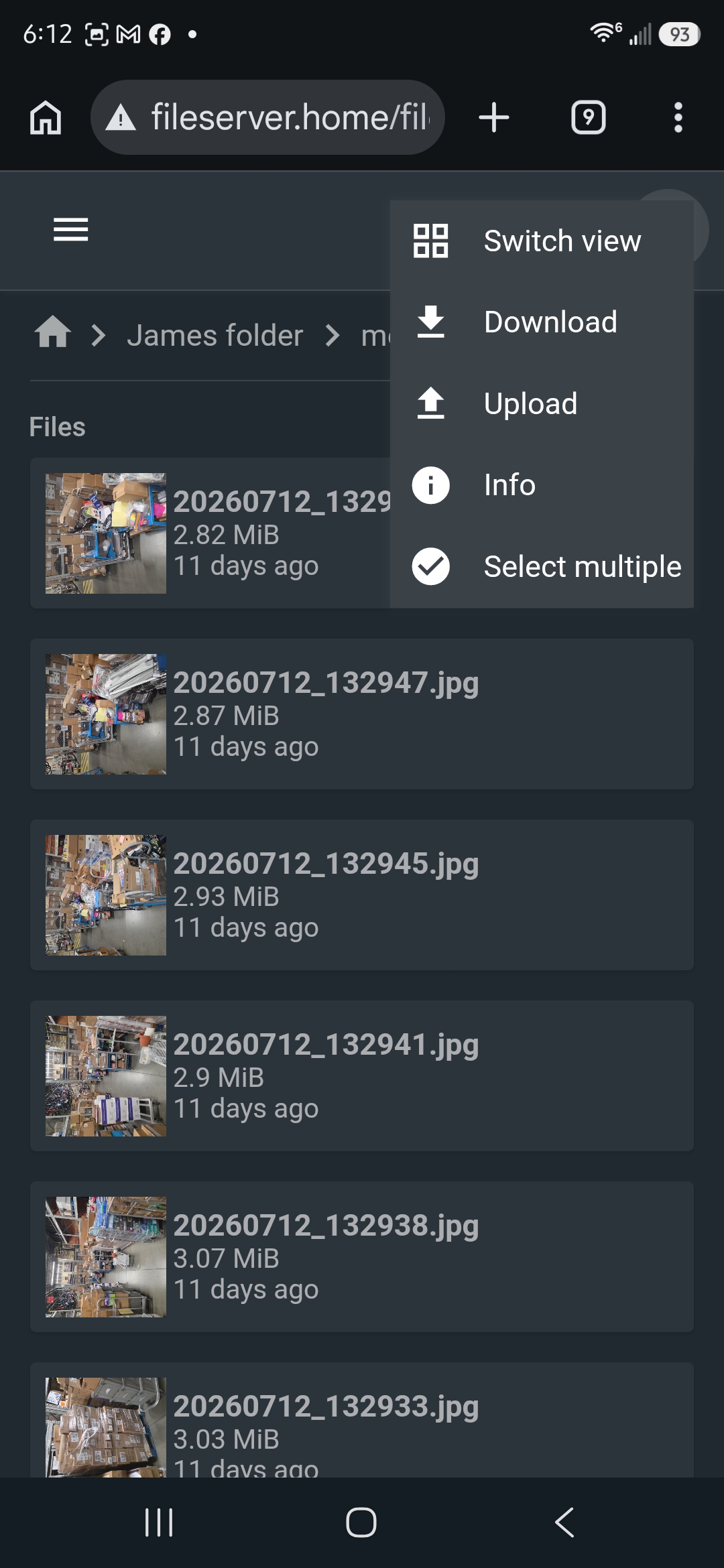
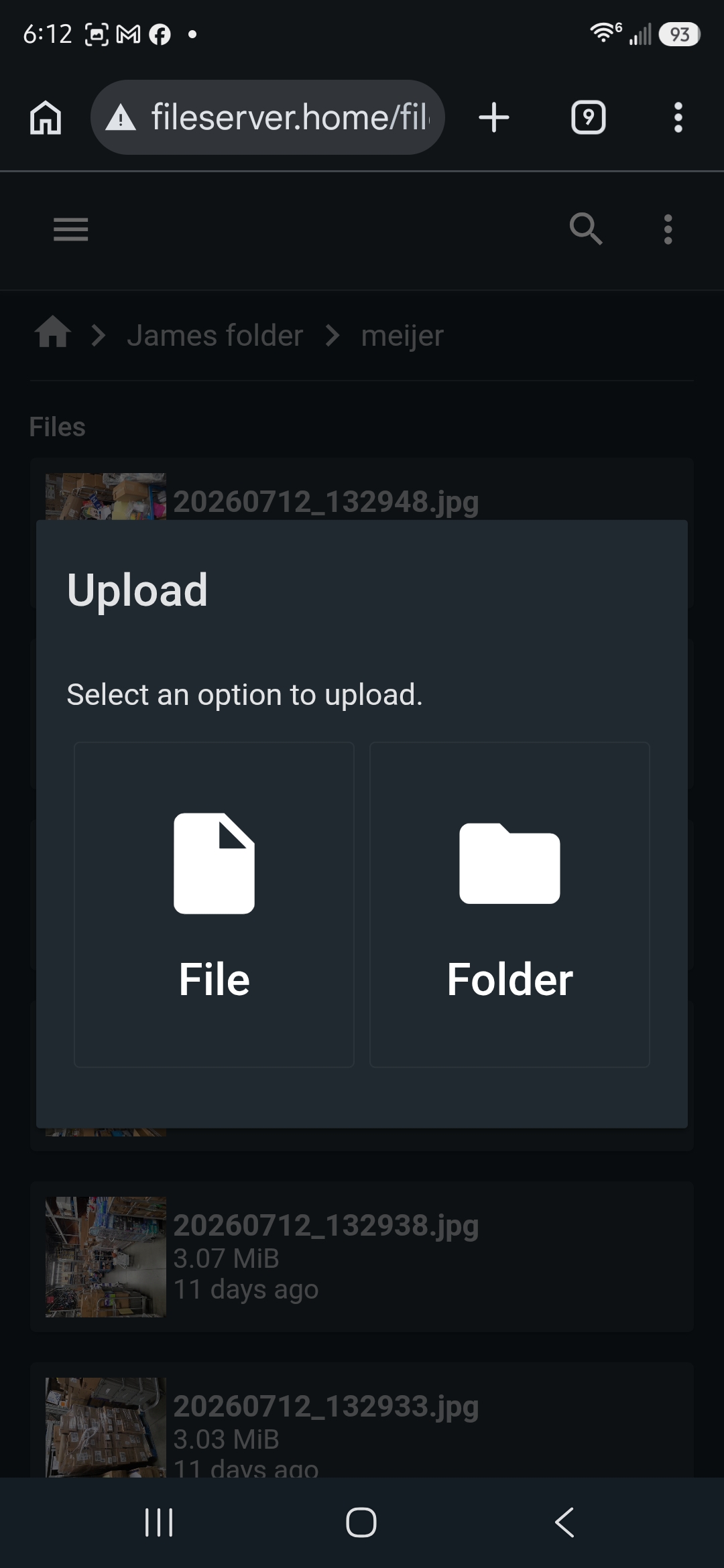
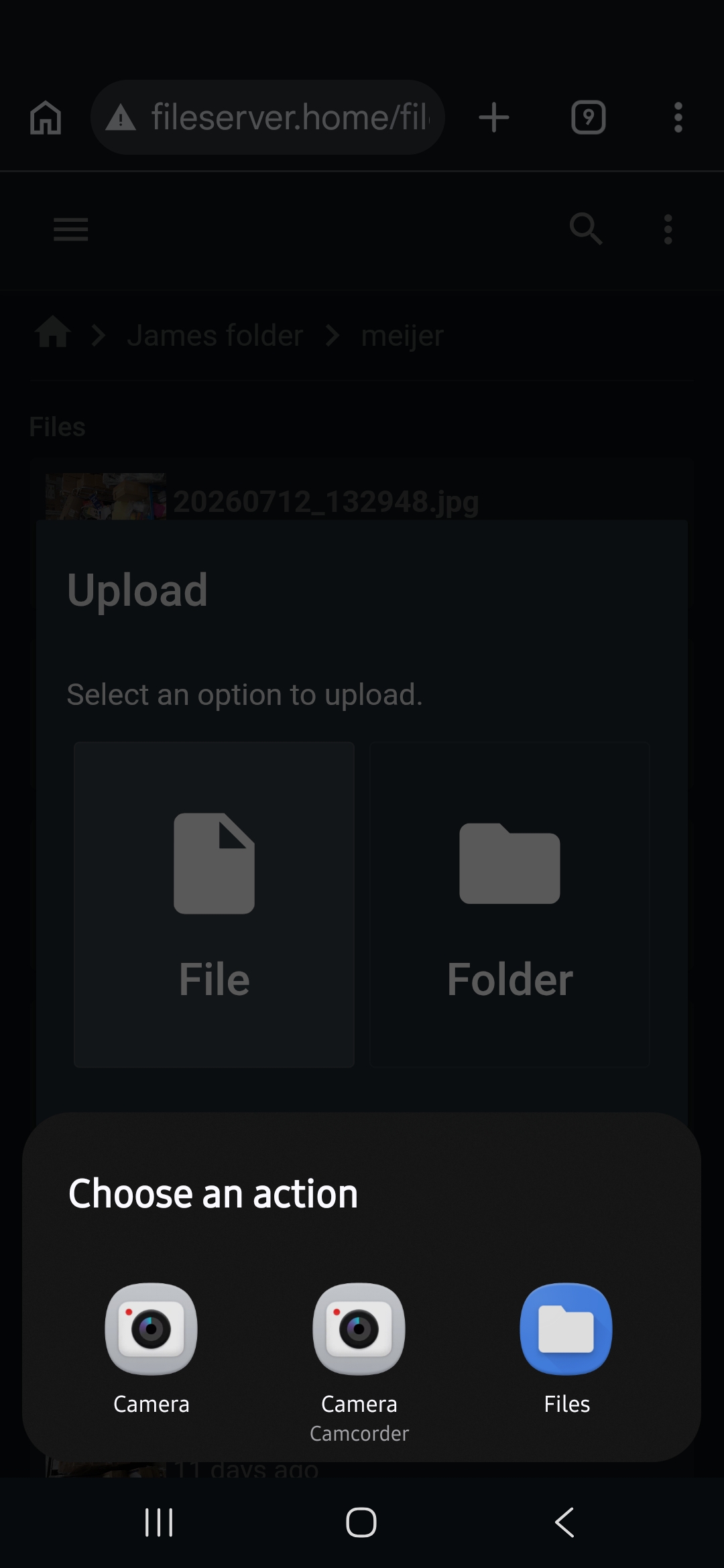
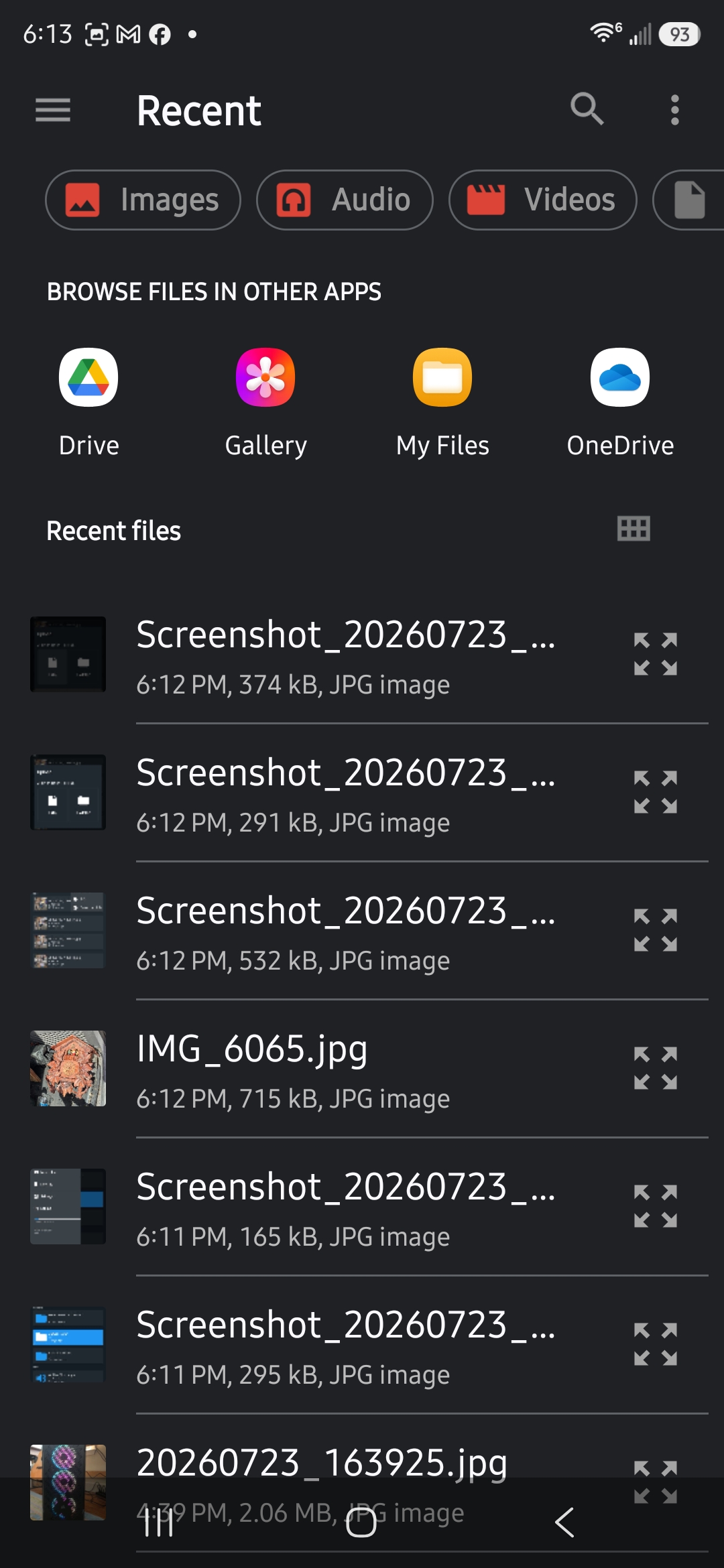
The following gallery shows the mobile browser interface for mobile devices.
Windows Network (SMB)
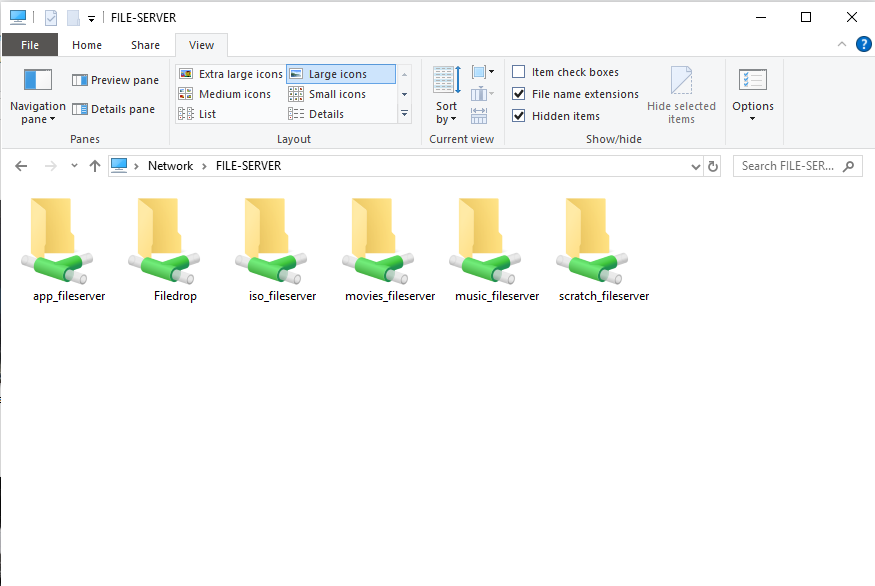
The file server uses Windows Server Message Block (SMB) to provide centralized network file sharing across Windows systems.
Key Features
- Integrates with File Browser to provide browser-based access from mobile devices and systems without direct SMB connectivity
- Shared folders accessible from Windows PCs and laptops
- Network drives mapped directly in Windows Explorer
- Open, save, and manage files as if they were stored locally
- Centralized repository for documents, projects, and media
- Supports multiple users with shared access to common resources
Collaboration Workflow
The file server acts as a centralized workspace where users can upload, organize, and share files from a single location. By maintaining a single source of truth for documents, projects, and media, the server reduces duplicate files, simplifies collaboration, and provides consistent access across Windows computers, mobile devices, and web browsers.
Why This Project Matters
This project demonstrates my ability to design, deploy, and maintain a complete file-sharing solution using both hardware and software components. From selecting and configuring the hardware to implementing Windows networking, File Browser, storage organization, and user workflows, every part of the system was intentionally designed to provide reliable, centralized access to data.
Beyond the technical implementation, this project reflects how I approach systems administration: building solutions that are organized, maintainable, well documented, and focused on improving the user experience. My home lab provides an environment where I can continuously develop practical skills, evaluate new technologies, and gain hands-on experience that directly translates to professional IT environments.