

James A. Richardson
I am a web developer, educator, and systems thinker focused on building digital platforms with clarity, structure, and purpose.
“This is the right stopping point for Typography. You now have: global body font, global heading font, editorial blockquote font. That gives real writing/design control without over complicating the theme.” Elior the Great
By the Numbers
Quick metrics that build confidence and communicate traction at a glance.
250+
Projects Delivered
Across websites, content systems, and digital publishing.
10+
Years Experience
Building, refining, and supporting practical web solutions.
99%
Client Satisfaction
Focused on clarity, responsiveness, and dependable delivery.
By the Numbers
Quick metrics that build confidence and communicate traction at a glance.
250+
Projects Delivered
Across websites, content systems, and digital publishing.
10+
Years of Experience
Building, refining, and supporting practical web solutions.
99%
Client Satisfaction
Focused on clarity, responsiveness, and dependable delivery.
24/7
System Monitoring
Reliable hosting, updates, and operational oversight.
Feature Grid
Use this section to highlight key benefits. Replace icons, titles, and descriptions as needed.
Good Times
Patterns drop in cleanly, and Bootstrap styling stays predictable.
Fa la la la la
Stable Structure
Everything is Gutenberg-native?no invalid blocks, no serialization errors.
Theme Tokens
Use simple classes to control accents and hover behavior.
Frequently Asked Questions
Click a question to expand the answer.
What is Bootstrap-UL?
Bootstrap-UL is a WordPress classic theme that stays Gutenberg-native while enhancing front-end behavior with Bootstrap components.
Does this break block validity?
No. The saved content remains standard Gutenberg blocks. JavaScript only enhances the front-end output.
Can I add multiple blocks inside an answer?
Yes. Add any Gutenberg blocks under the question inside the same accordion item.
- Paragraphs
- Lists
- Buttons
- Images
What Clients Say
Real feedback from real projects.
Ready to take the next step?
Add your message here. Keep it short: one sentence that clarifies what the button does.
Optional reassurance line (e.g., “No spam. Takes 2 minutes.”).

Section headline
Use this section for services, about, product highlights, or a featured article. It stacks nicely on mobile and stays calm on desktop.
- Point one that supports the headline
- Point two that adds clarity
- Point three that builds confidence
Section headline
This is the same pattern, flipped. Great for alternating sections down a page without changing your design language.

| Class | Heading | Heading |
|---|---|---|
| Primary | Cell | Cell |
| Success | Cell | Cell |
| Warning | Cell | Cell |
| Danger | Cell | Cell |
| Class | Heading | Heading |
|---|---|---|
| Primary | Cell | Cell |
| Success | Cell | Cell |
| Warning | Cell | Cell |
| Danger | Cell | Cell |
Meet the team
Short bios that build trust. Keep roles clear and descriptions concise.

Name Here
Role / Title
One or two sentences that summarize experience and what they handle.

Name Here
Role / Title
One or two sentences that summarize experience and what they handle.

Name Here
Role / Title
One or two sentences that summarize experience and what they handle.
Leadership
Use this layout when you need more space for credentials and story.

Name Here
Role / Title
A short bio paragraph. Add credentials, experience, and responsibility.
Name Here
Role / Title
A short bio paragraph. Add credentials, experience, and responsibility.
Artwork Gallery
A simple gallery section. Replace the images and captions with your own artwork.
Artwork Name
Caption for the artwork
Artwork Name
Caption for the artwork
Artwork Name

Caption for the artwork
Artwork Name

Caption for the artwork
Artwork Name
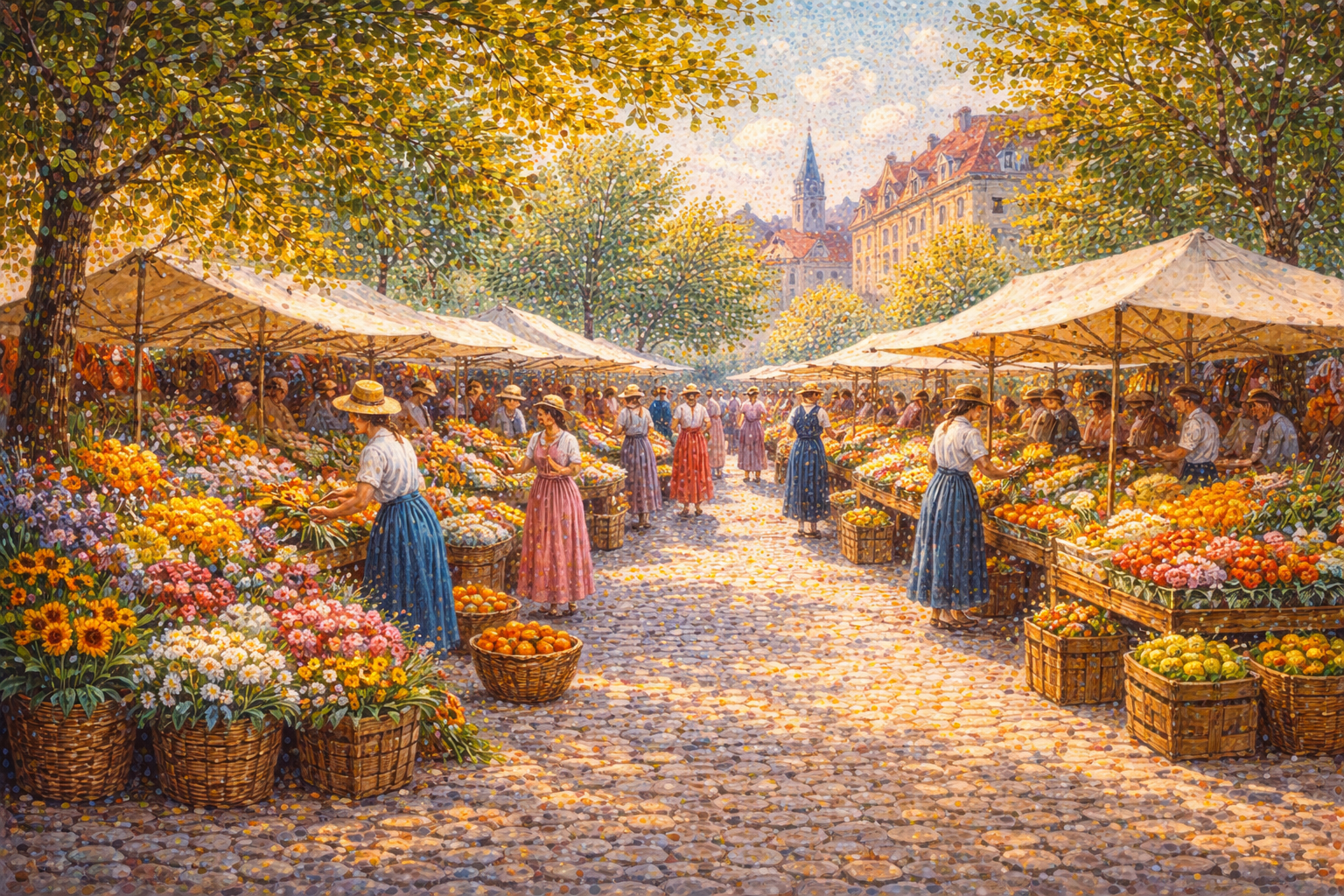
Caption for the artwork
Artwork Name
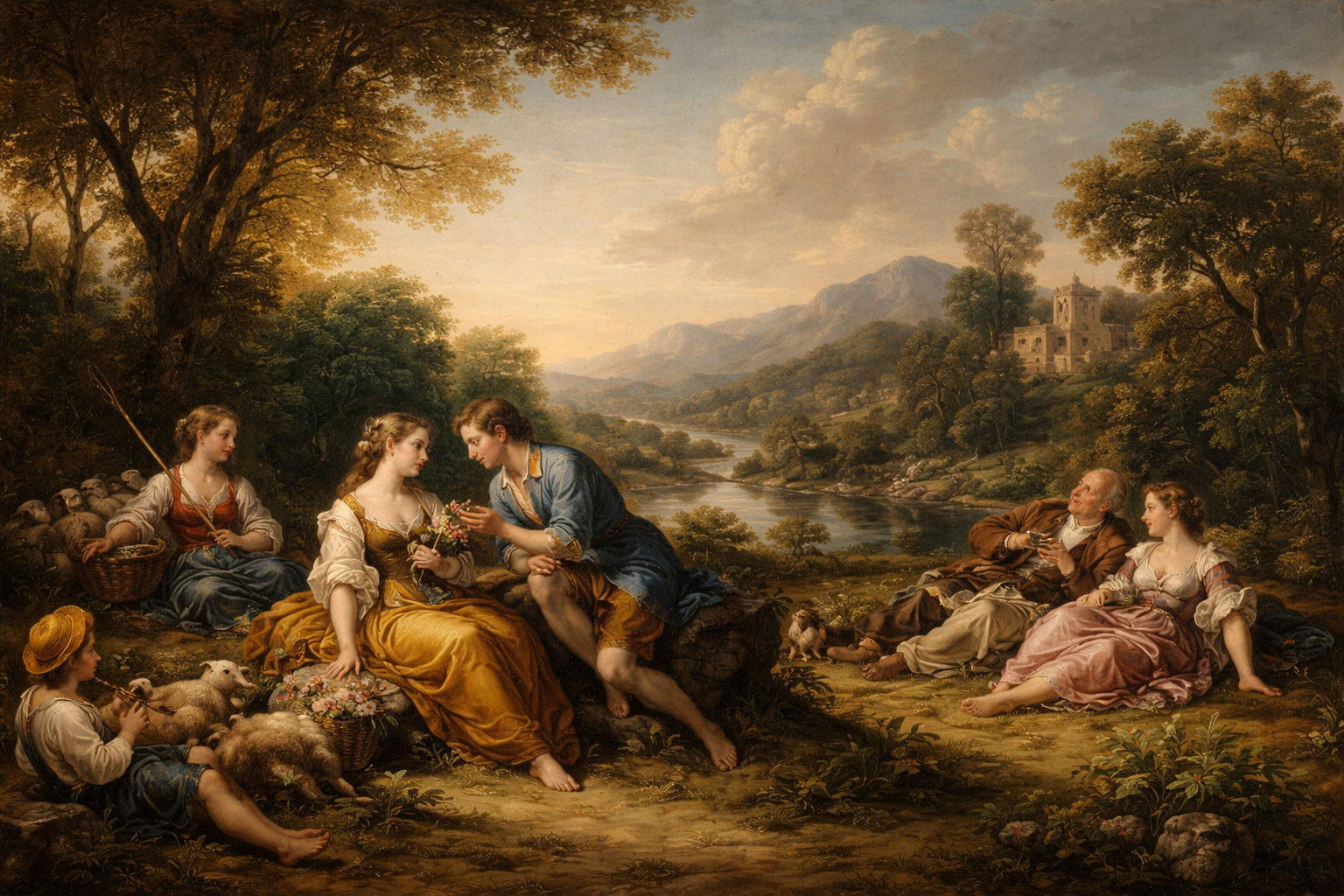
Caption for the artwork
Artwork Name

Caption for the artwork
Artwork Name
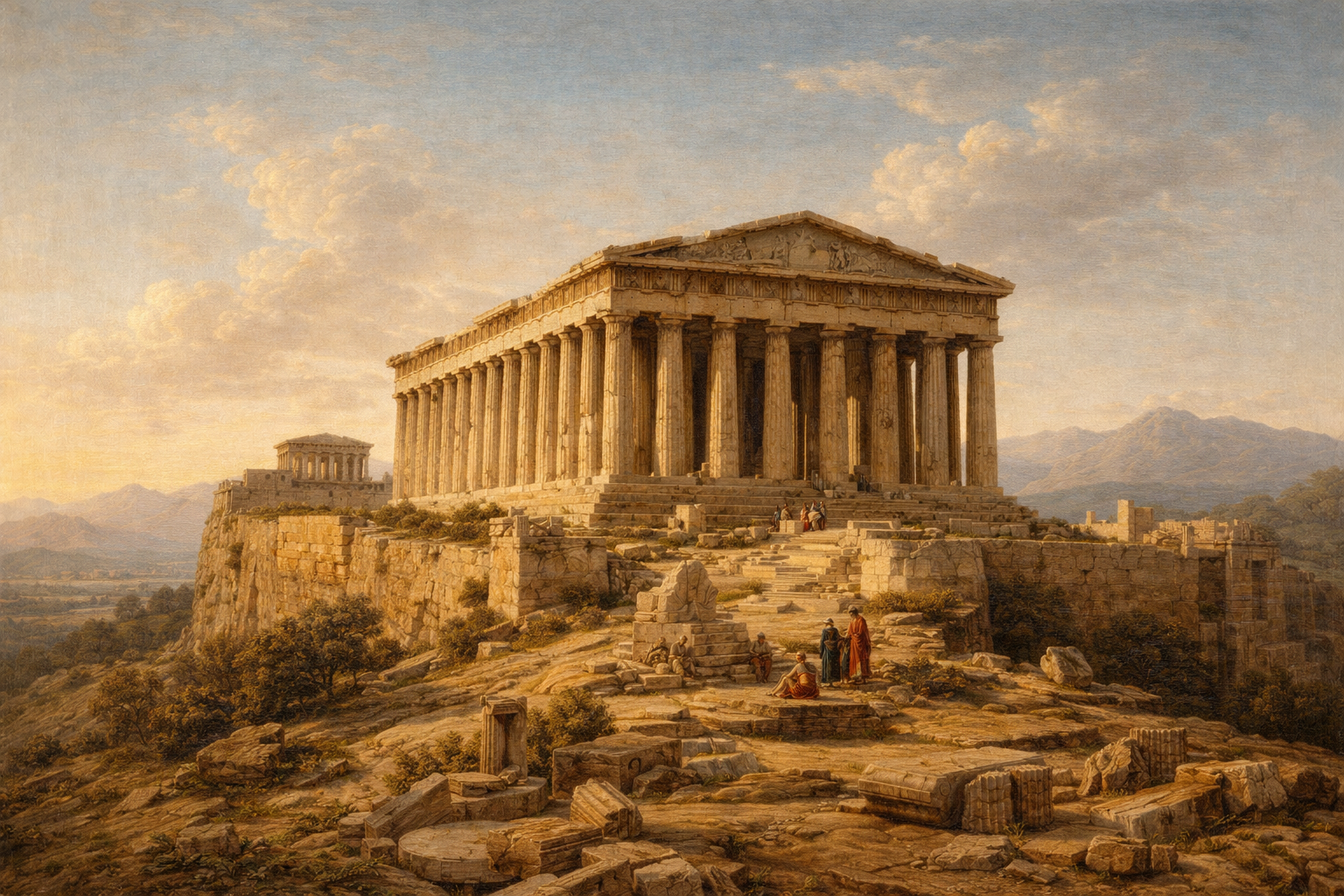
Caption for the artwork
Artwork Name

Caption for the artwork